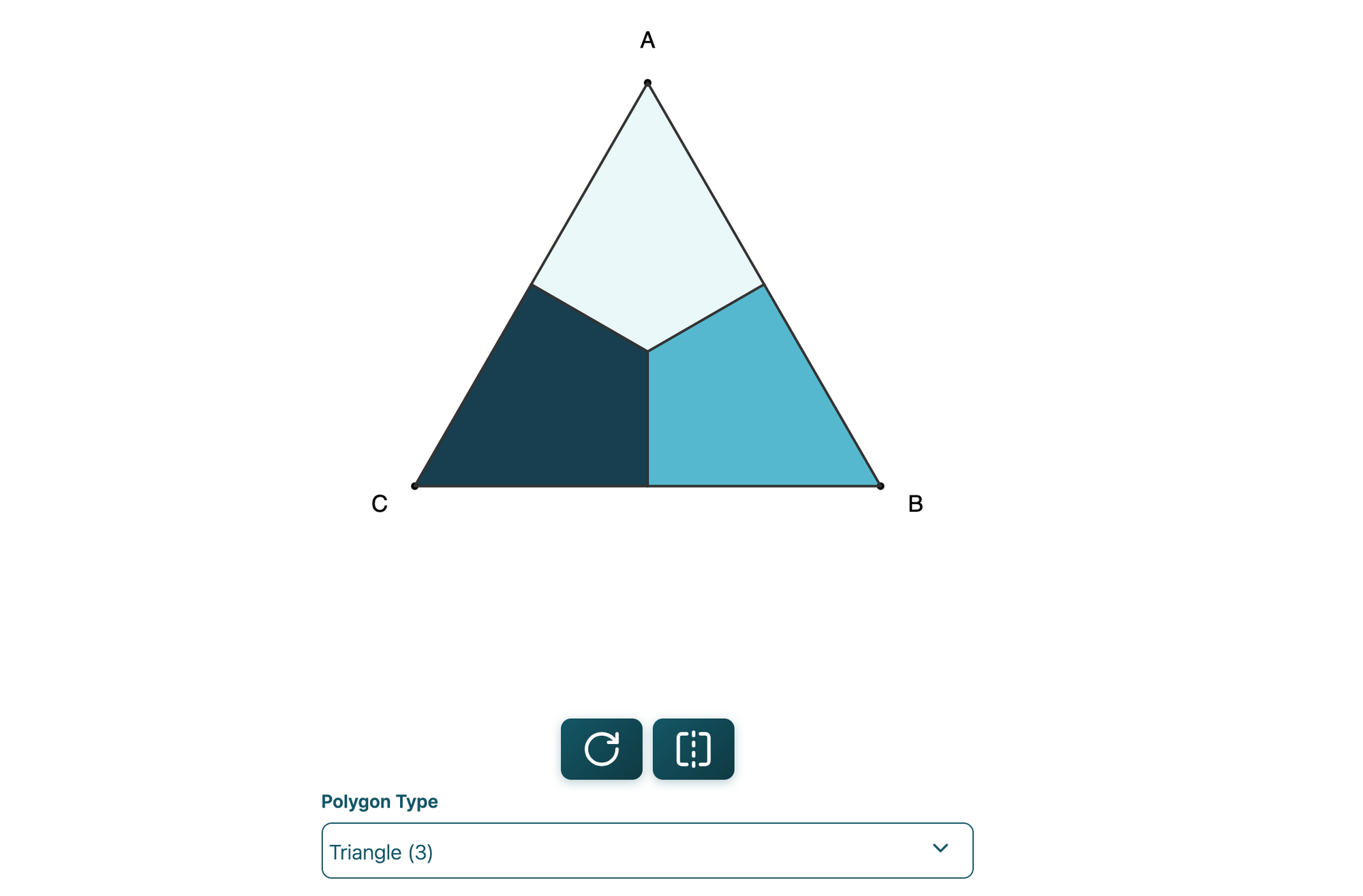
I would like to start this post with a thank you to members of this site for making both this blog and inquiries.link more sustainable.
I've been asked about some of the toys I've made for interactive math play. I implement them on a site called inquiries.link. This post is a summary of why I made it, what the site is, how to use it, and plans. Heads up – this is more of a down-in-the-weeds post.
Note: I use the words tool and toy interchangeably here - a toy is a fun tool.
The Why
I created inquiries.link for quite a few reasons, but here are a few:
- I want tools for moving beyond the whiteboard or pencil and paper to develop understanding of various concepts (these tools aren't stand-alone)
- I want toys to explore math and art together
- I want to share – these are some of the rabbit holes I have gone down.
- I can't visualize anything in my head, so I often code, doodle, or manifest patterns through art.
- Rather than letting a whole bunch of one-off tools pile up, I have started to bring them into a more cared-for form that has longevity, and to create new ones in that spirit.
- I want a site to use while facilitating math groups that doesn't collect data or need a login.
- I have the memory of a goldfish and want an organized archive of learning tools I can go back to.
- I want a place to bring some of the very manual (paper and pencil) activities to a digital version to tinker (knots, circles, hailstones, etc)
- I want a place to put customized explorations that learners request to allow for their investigation (when I work with learners, sometimes they request sliders or ask what ifs that I can adjust to)
- I facilitate in a digital environment – this calls for digital tools
- <insert any other open education, learning generously, human condition here>
The What
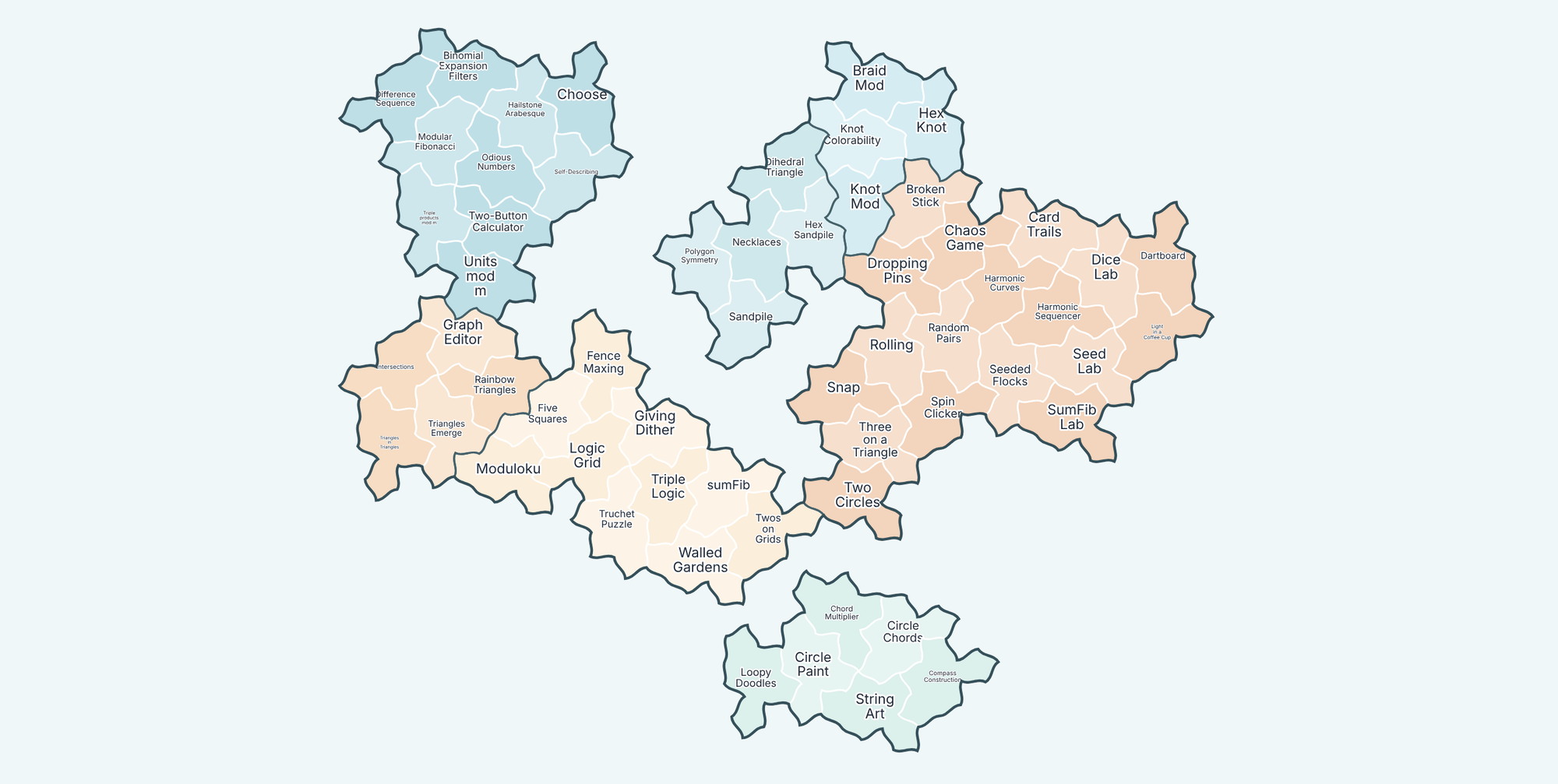
Inquiries.link is a collection of digital tools for playing with math. As of the date of this post, here is what exists:
- About 58 tools across seven categories
- The categories are loose — more of a filing habit than a taxonomy. Is a knot tool topology, graph theory, or geometry? Many tools could live in many places.
- Tools are geared towards curiosity.
- There is a fine balance of not having too many dials, not giving too much away, and having enough. I try to thread that needle with every tool.
- There are some codes in tools that I haven't figured out how to share yet:
- Example: if you type "school" on the two-button calculator page, it gives a very specific version of the calculator.
- There are a few ways to wander in:
- a gazetteer of everything
- a map
- a search box
- a random button that picks for you.
- Most tools don't explain themselves on purpose.
- They aren't stand-alone tools – I use them for facilitation.
- I post some of those outlines in the Inquiries series on Fractal Kitty.
- Some tools allow you to configure and share.
- Logic puzzles
- Two Button calculator
- Seeded Flocks
- Everything runs in your browser.
- I don't run analytics, and there are no accounts.
- The whole site is about 14MB and can be saved for offline or installed as an app
- This is in beta mode (still testing)
- This is part of trying to make things more available offline.
- Tools work on touch screens and with a keyboard — built to be mashed on by a range of humans.
- p5js and canvas are still not ideal for everyone
The How
Here are a few ways to get started and use the site:
- Take a look at the Inquiries series if you want to explore a few concepts and see how the tools might be used.
- Request a blog post if there is a tool you'd like to have an activity outline for.
- Click the random button on the home page
- play with whatever dials and sliders that page has
- be curious and ask what ifs
- make conjectures
- see if you can test them
- make something beautiful
- Use the search to see if something is useful for a concept you are working with.
- If it's not there, but you think it should be, contact me.
- Please consider not using anything here as a single or initial source. Some of them could take away from the awe and wonder that could be on paper or other mediums first.
- For facilitation, I use most of these tools in flows that might look something like this:
- pose a question, idea, or visual concept
- work together on paper or a whiteboard to explore finite cases or ideas around the question
- get to an understanding or conjecture point in which a tool becomes useful
- then use an interactive learning tool
Plans, Philosophy, and Approach
Here are a few of my thoughts on plans and where I am at:
- I plan to continue to make tools at a pace that works for me – at some point I might stop.
- I consider myself an artist and educator first. In practice, I want to share toys and have time to play (my cup is full because I dip it into the river).
- I want the world to have open education – I approach both this blog and inquiries.link with that philosophy.
- What I try to bring to the site:
- Interactive design that has empathy in the equation
- Toys that bring joy and creativity
- Tools that don't spoon-feed the math and strip it of wonder
- Tools that have the right number of dials to inspire curiosity
- Reasons for conversation and sharing
- An IndieWebCamp concept I am inspired by is Publish (on your) Own Site, Syndicate Elsewhere (POSSE). The whys of POSSE apply to inquiries.link:
- reduction of 3rd party dependence
- ownership - owning the site that I use for embeds
- archival and search
- I believe there is some obligation when we are part of a community to not disappear. I am still working on how to publish the editable source materials.
The Tech (details)
As of the date of this post, the site has:
- SvelteKit
- Reusable components and layouts
- Typescript
- p5.js
- D3
- Cytoscape.js
- Tone.js
- Lucide icons
- The font is Inter.
- It's under the Blue Oak Model License, with a best-effort to credit sources on the about page.
- The libraries and fonts keep their own licenses (third-party licences are noted on the about page)
- Service workers make it available offline (still in beta).
- I'm still deciding how to publish the source for editing.
I've done my best with the stack above, but am not a software engineer by trade. I come from systems engineering, models and simulation, learning design, and STEM education. I am open to conversation about the stack.