Stripe is famous for having some of the best product docs, largely because they are "designed to feel like an application rather than a traditional user manual". I spent much of the last week building and writing the docs for Scour, and I am quite proud of the results.
Interactive Docs
Scour is a personalized content feed, not an SDK or API, so I started by asking myself what the equivalent of working code or copyable snippets is for this type of product. The answer: interactive pieces of the product, built right into the docs themselves.
Scouring Hacker News for Hidden Gems
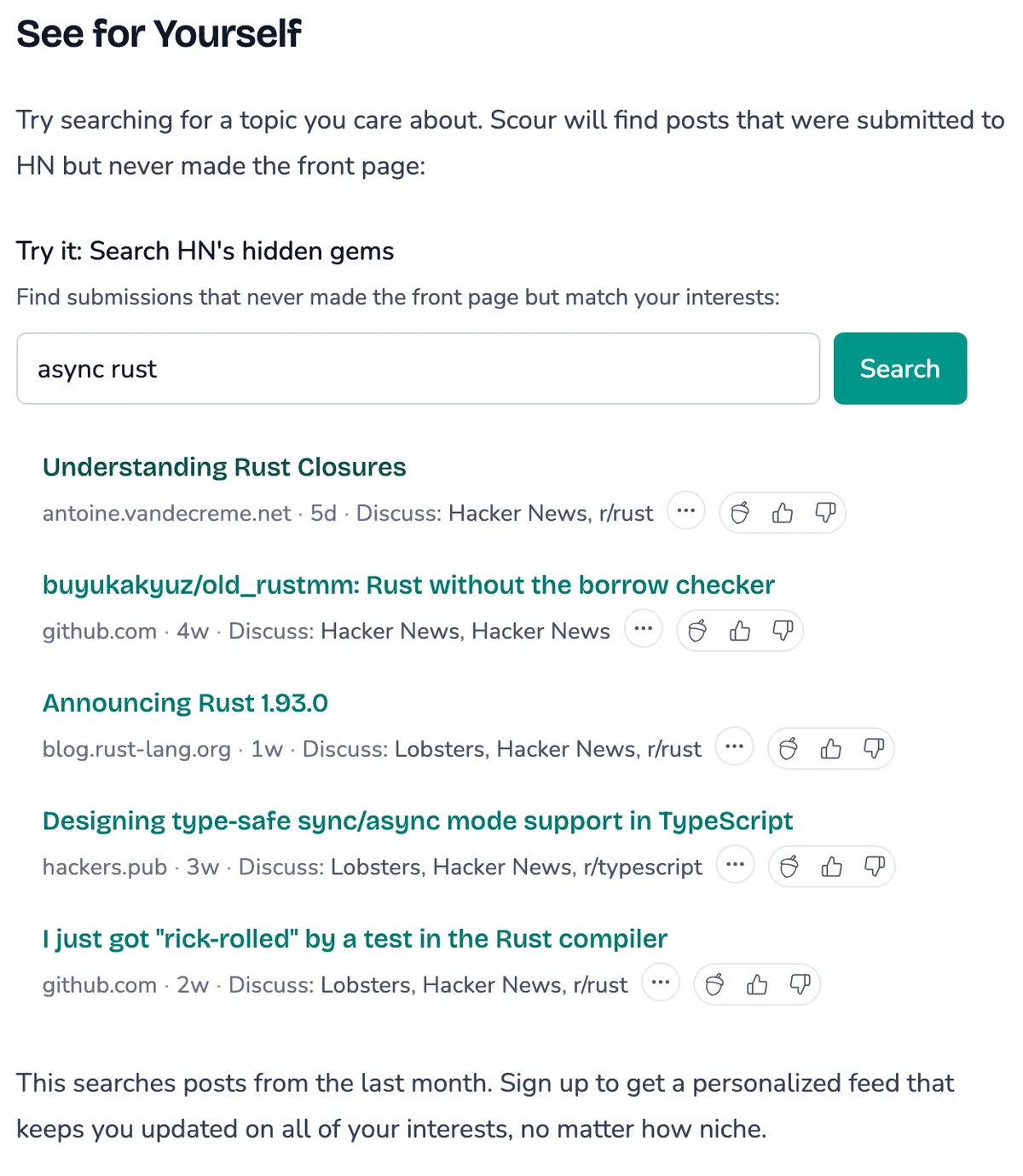
The guide for Hacker News readers is one of the sections I'm most proud of. When describing Scour to people, I often start with the origin story of wanting a tool that could search for posts related to my interests from the thousands submitted to HN that never make it to the front page.
Built right into the guide is a live search bar that searches posts that have been submitted to HN, but that have not been on the front page. Try it out! You might find some hidden gems.
The guides for Redditors, Substack readers, and arXiv readers also have interactive elements that let you easily search for subreddits or newsletters, or subscribe to any of arXiv's categories. Logged in users can subscribe to those feeds right from the docs.
Show, Don't Tell
Every time I went to explain some aspect of Scour, I first asked myself if there was a way to use a working example instead.
On the Interests page, I wanted to explain that the topics you add to Scour can be any free-form text you want. Every time you load the page, this snippet loads a random set of interests that people have added on Scour. You can click any of them to go to the page of content related to that topic and add that interest yourself.

While explaining how Scour recommends other topics to you, I thought what if I just included an actual topic recommendation for logged in users? (Graphic Design actually Scour recommendation for me, and a good one at that!)

Real Settings > Links
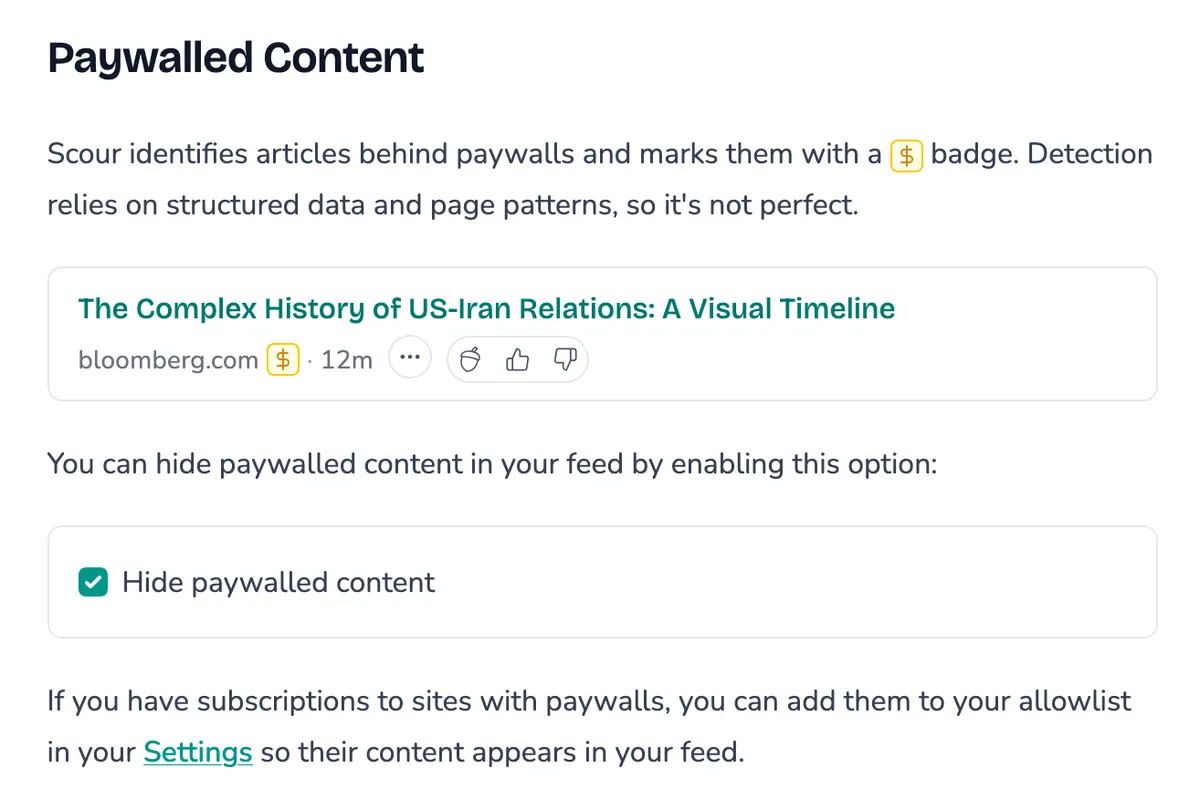
On various docs pages, I wanted to explain the settings that exist. Instead of linking to the settings page or describing where to find it, logged in users can just change the settings from within the docs.
For example, on the Content Filtering page, you can toggle the setting to hide paywalled content right from the docs:
Use Real Components
There are numerous live examples throughout the docs. All of those use the same components as the actual Scour website. (Scour is built with the "MASH stack", so these are all maud components.)
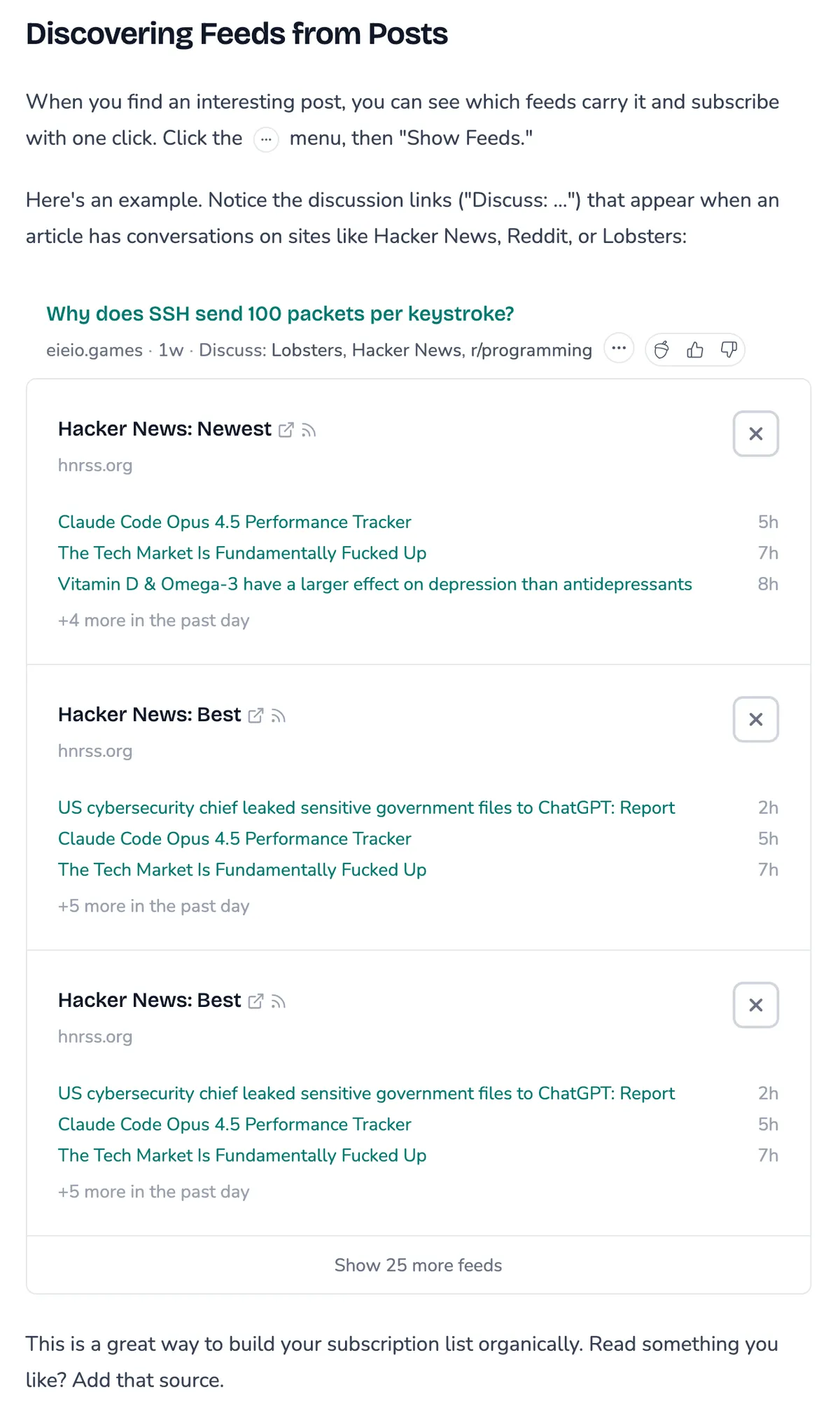
The section explaining that you can show the feeds where any given post was found actually includes the recent post that was found in the most different feeds. (In the docs, you actually need to click the "..." button to show the feeds underneath the post, as shown below.)
Real Components, Even for Examples
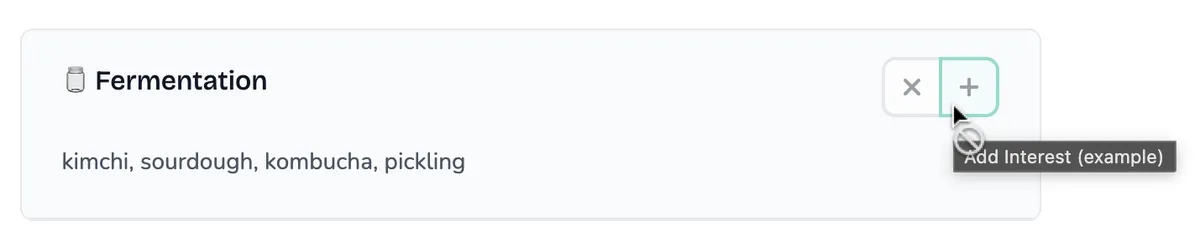
While building this out, I had a number of cases where I needed to show an example of some component, but where I couldn't show a live component. For example, in the Interest Recommendations section described above, I needed a placeholder for users that aren't logged in.
I started building a separate component that looked like the normal interest component... and then stopped. This felt like the type of code that would eventually diverge from the original and I'd forget to update it. So, I went and refactored the original components so that they'd work for static examples too.
No Broken Links
The last piece of building a documentation experience that I would be happy to use was ensuring that there would be no broken links. No broken links across docs sections, and no broken links from the docs to parts of the application.
Scour is built with the excellent axum HTTP routing library in Rust. The axum-extra crate has a useful, albeit slightly tedious TypedPath trait and derive macro. This lets you define HTTP routes as structs, which can be used by the router and anywhere else you might want to link to that page.
use axum::Router;
use axum_extra::routing::{TypedPath, RouterExt};
use serde::Deserialize;

#[derive(Deserialize, TypedPath)]
#[typed_path("/docs/interests")]
pub struct InterestsPath;

async fn interests(
	_path: InterestsPath
) { ... }

#[tokio::main]
pub async fn main() {
	let router = Router::new()
		.typed_get(interests);
}
Anywhere else we might want to link to the Interests docs, we can use the following to get the path:
use crate::docs::InterestsPath;

async fn other_docs() {
	let interests_path = InterestsPath.to_string();
}
This way, Rust's type system enforces that any link to those docs will stay updated, even if I later move the paths around.
Feedback Welcome!
I started working on these docs after a couple of users gave the feedback that they would love a page explaining how Scour works. There is now a detailed explanation of how Scour's ranking algorithm works, along with docs explaining everything else I could think of.
Please keep the feedback coming! If you still have questions after reading through any of the docs, please let me know so I can keep improving them.