A small, self-hosted dead man's switch for independent web developers. It emails you once a week. If you stop answering, it asks your next of kin, then tells the people who need to act.
Download from GitHubFree. MIT licence. PHP 8.1 or newer, no database.
How it works
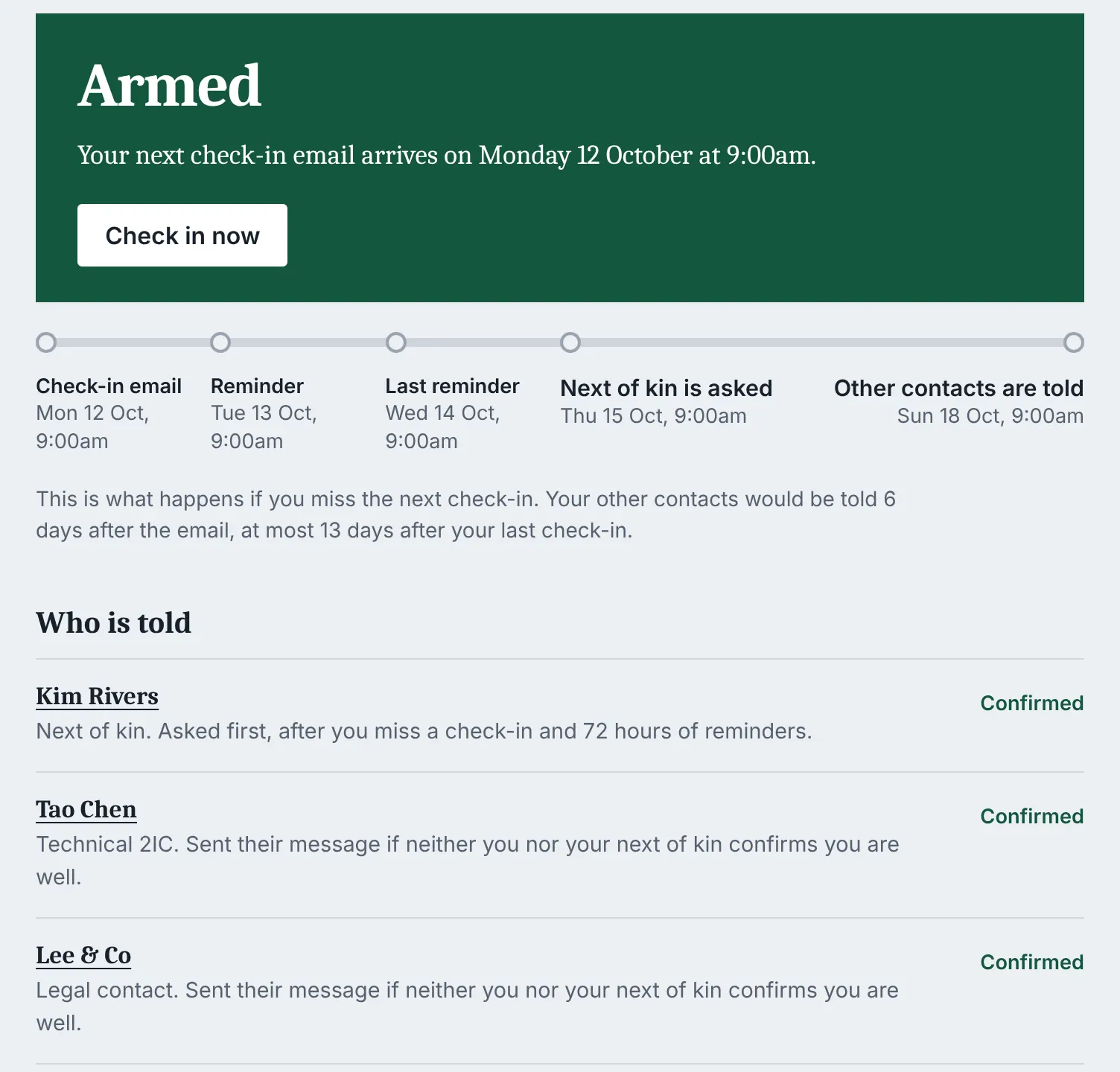
Every step is counted from the weekly check-in email. The spacing below is to scale.
- Check-inHour 0. You press a button.
- ReminderHour 24, to both your addresses.
- Last reminderHour 48.
- Next of kin askedHour 72. "Is everything all right?"
- RemindedHour 120.
- Contacts toldHour 144. Each gets the message you wrote.
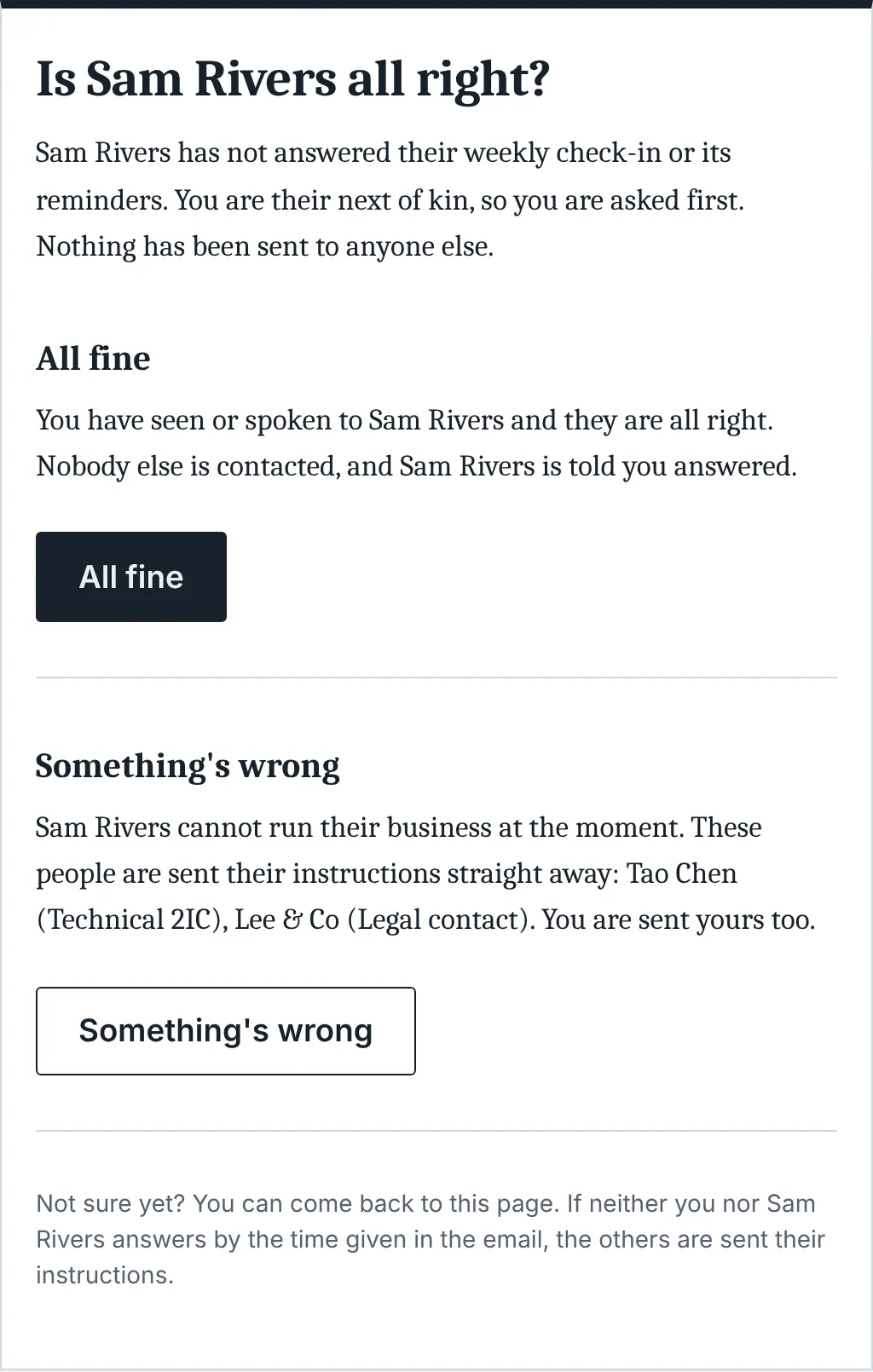
All fine
Your next of kin says you're well. It ends there, and nobody else hears a thing.
Something's wrong
Your next of kin says so, and your other contacts are sent their messages straight away.
You check in
At any stage, even after it fires. Anyone already contacted is told it was a false alarm.
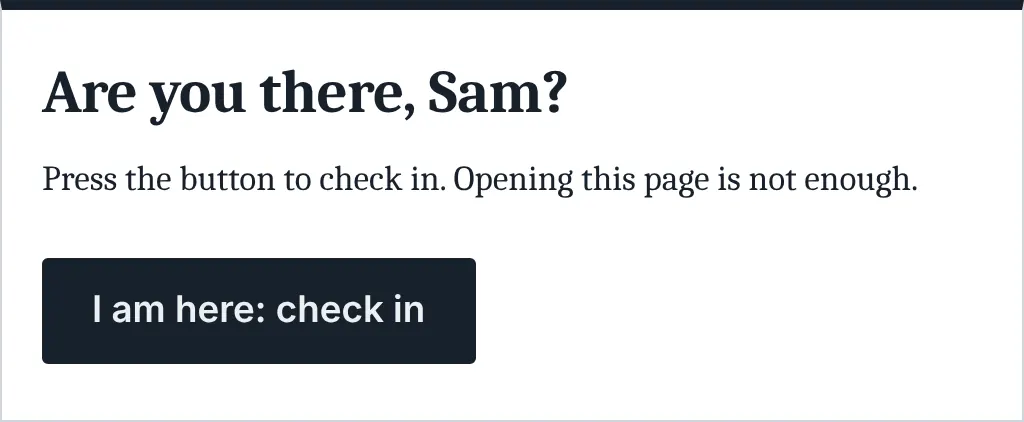
The email goes at the same time each week, so your contacts are told at most 13 days after your last check-in. Opening a link never counts: email scanners open links, so you have to press the button.
What it looks like
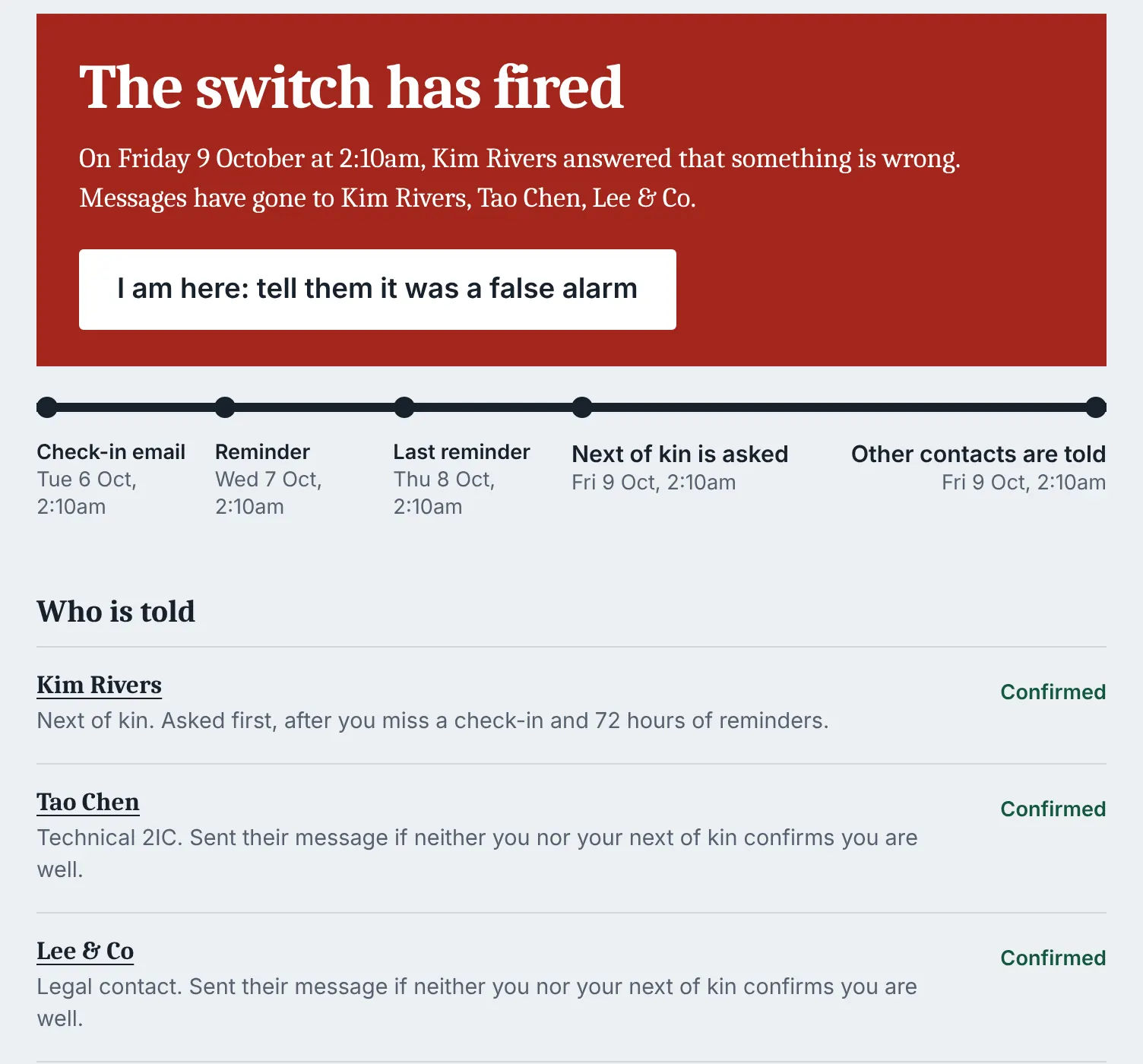
Why I built this
I run a one-person web studio in regional New South Wales. My clients' sites, domains and hosting all run through me. If I died tomorrow, nobody would know where anything was, or even that they needed to look.
So I wrote a plan. Everything my business runs on is in one encrypted document. My backup developer holds its password, and my lawyer holds a second copy. What was missing was the part in the middle: something that notices I've gone quiet and tells the right people, in the right order, without frightening my family over a long weekend.
I couldn't find anything simple that I could host myself, so I built it. It emails me once a week. If I don't answer, it asks my next of kin first. Only if nobody can say I'm all right does it tell everyone else.
I’ve been running it on myself for the last week, with my next of kin and my backup developer both confirmed. If you trial it for your own business, I’d really appreciate your feedback: what was confusing, what broke, and what you’d want it to do differently.
It's free and MIT licensed. Use it, or build your own from it.
We all die. Die knowing the right people will be told.
What it is not
- Not a guarantee. It sends emails. It can't know why you stopped checking in, and it can't work if its server, its scheduler or its mail service is down.
- Not a vault. It stores no documents and no passwords. Messages say where things are and who to call.
- Not a service. There are no accounts and no hosted version. You run it, for yourself.
- Email only. No SMS, no calls, no app.
- No warranty. It's MIT licensed and provided as is.
What you need
- A web server with PHP 8.1 or newer. Apache works as shipped; nginx needs four lines.
- An SMTP account to send mail through.
- Cron, or any outside scheduler that can request a web address every 15 minutes.
- HTTPS.
- Hosting that's separate from the sites it protects, so one outage can't take down both.
Installing takes a few minutes in the browser. The crontab line is the one technical step, and the installer writes it for you.