





A centralized dashboard for managing Django admin panels
Official Site • Features • Installation • Quick Start • Official Panels • Documentation
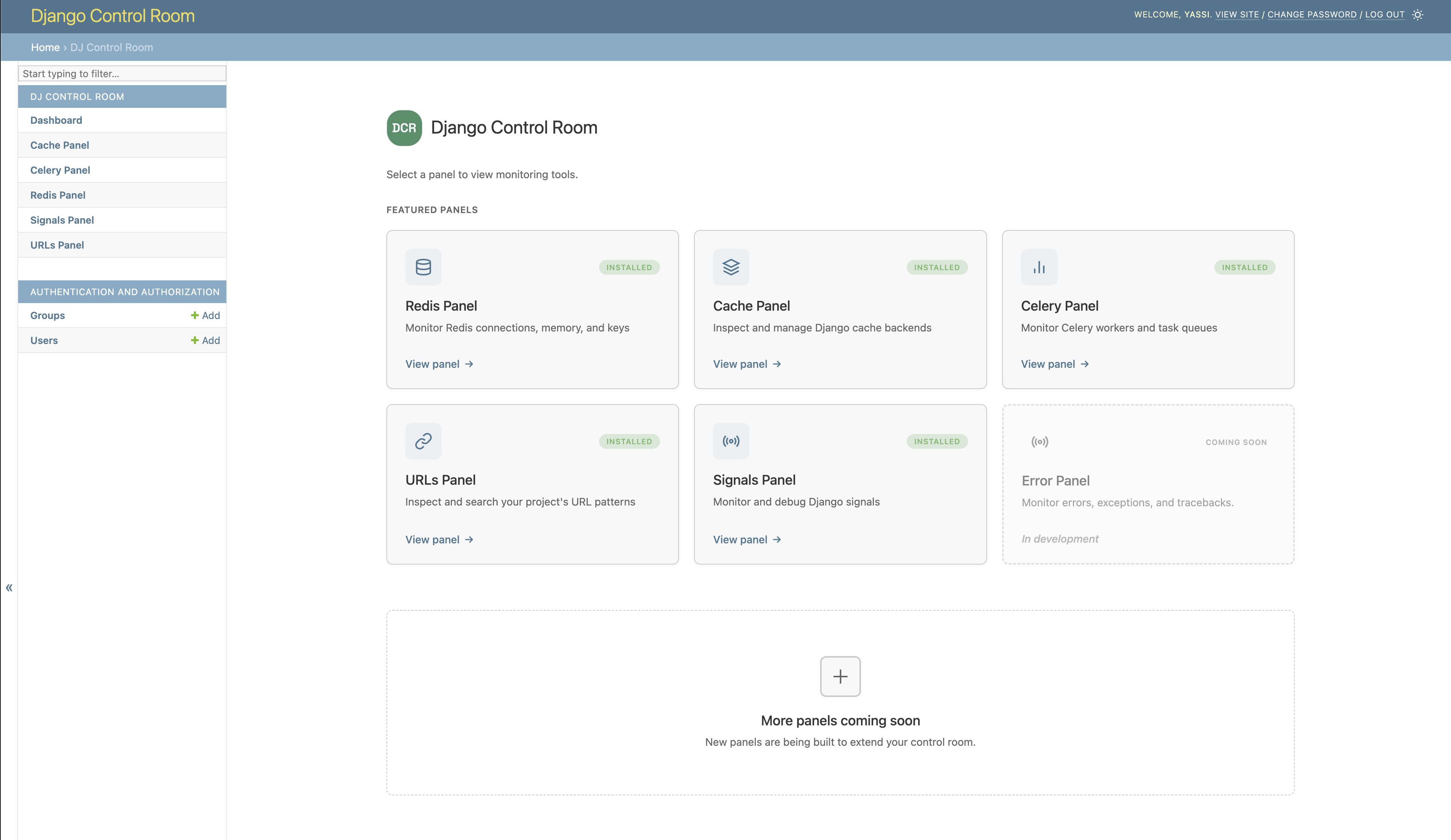
- Centralized Dashboard - All your admin panels in one place
- Plugin System - Discover and install panels via PyPI
- Beautiful UI - Modern, responsive design with dark mode support
- Secure - Package verification prevents panel hijacking
- Easy Integration - Works seamlessly with Django admin
- Official Panels - Pre-built panels for common tasks
pip install dj-control-room
# Install with specific panels
pip install dj-control-room[redis,cache,urls]

# Or install with all official panels
pip install dj-control-room[all]
Available panel extras:
redis- Redis connection manager and inspectorcache- Django cache backend inspectorurls- URL pattern browser and testercelery- Celery task monitorsignals- Django signals inspector (coming soon)all- All official panels
# settings.py
INSTALLED_APPS = [
    'django.contrib.admin',
    'django.contrib.auth',
    'django.contrib.contenttypes',
    'django.contrib.sessions',
    'django.contrib.messages',
    'django.contrib.staticfiles',

    # Add any panels you installed
    'dj_redis_panel',
    'dj_cache_panel',
    'dj_urls_panel',

    # Then add Django Control Room
    'dj_control_room',
    # Your apps
    # ...
]
# urls.py
from django.contrib import admin
from django.urls import path, include

urlpatterns = [
    # Panel URLs (include each panel you installed)
    path('admin/dj-redis-panel/', include('dj_redis_panel.urls')),
    path('admin/dj-cache-panel/', include('dj_cache_panel.urls')),
    path('admin/dj-urls-panel/', include('dj_urls_panel.urls')),

    # Control Room dashboard
    path('admin/dj-control-room/', include('dj_control_room.urls')),

    # Django admin
    path('admin/', admin.site.urls),
]
- Run migrations:
python manage.py migrate - Start your server:
python manage.py runserver - Navigate to
http://localhost:8000/admin/dj-control-room/
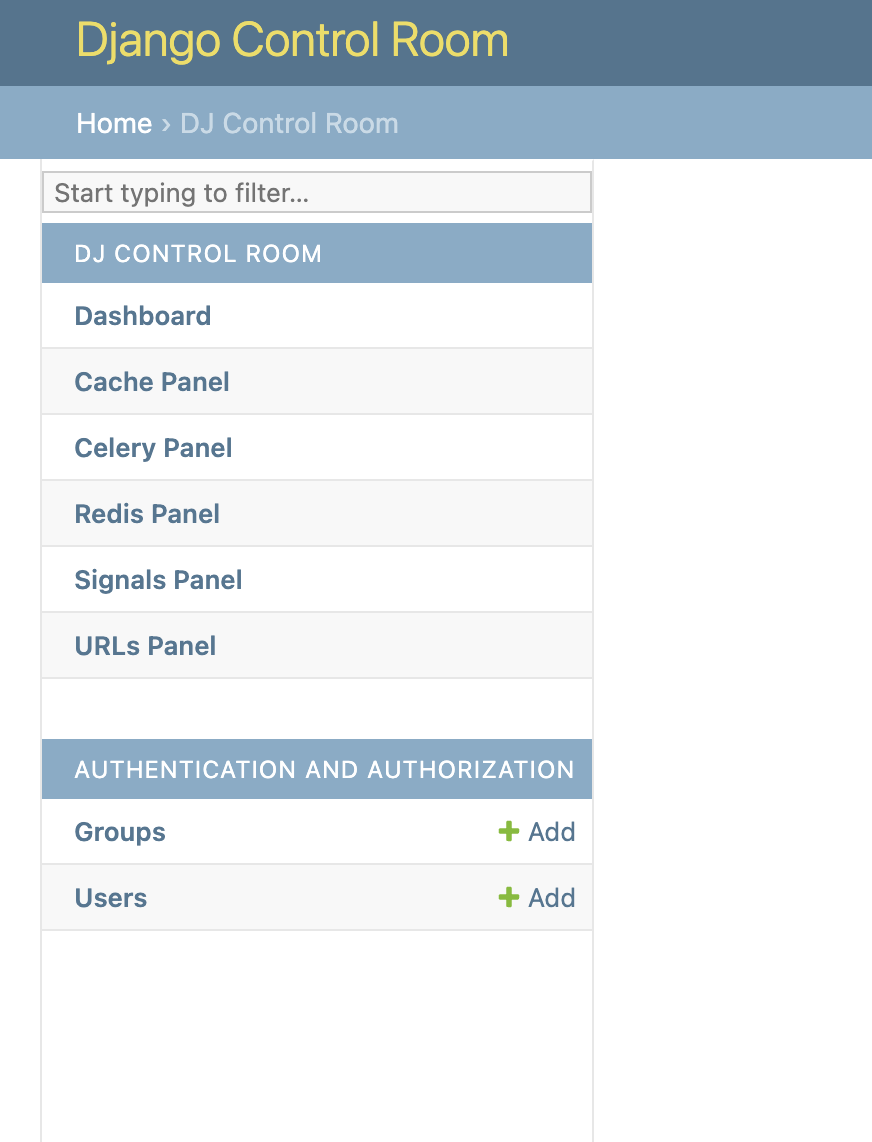
All installed panels appear in the Django admin sidebar under "Django Control Room":
# settings.py
DJ_CONTROL_ROOM_SETTINGS = {
    # Global: Show panels in both Control Room and their own sections
    'REGISTER_PANELS_IN_ADMIN': False,  # Default: False

    # Per-panel: Override for specific panels
    'PANEL_ADMIN_REGISTRATION': {
        'dj_redis_panel': True,   # Redis in both places
        'dj_cache_panel': False,  # Cache only in Control Room
    }
}
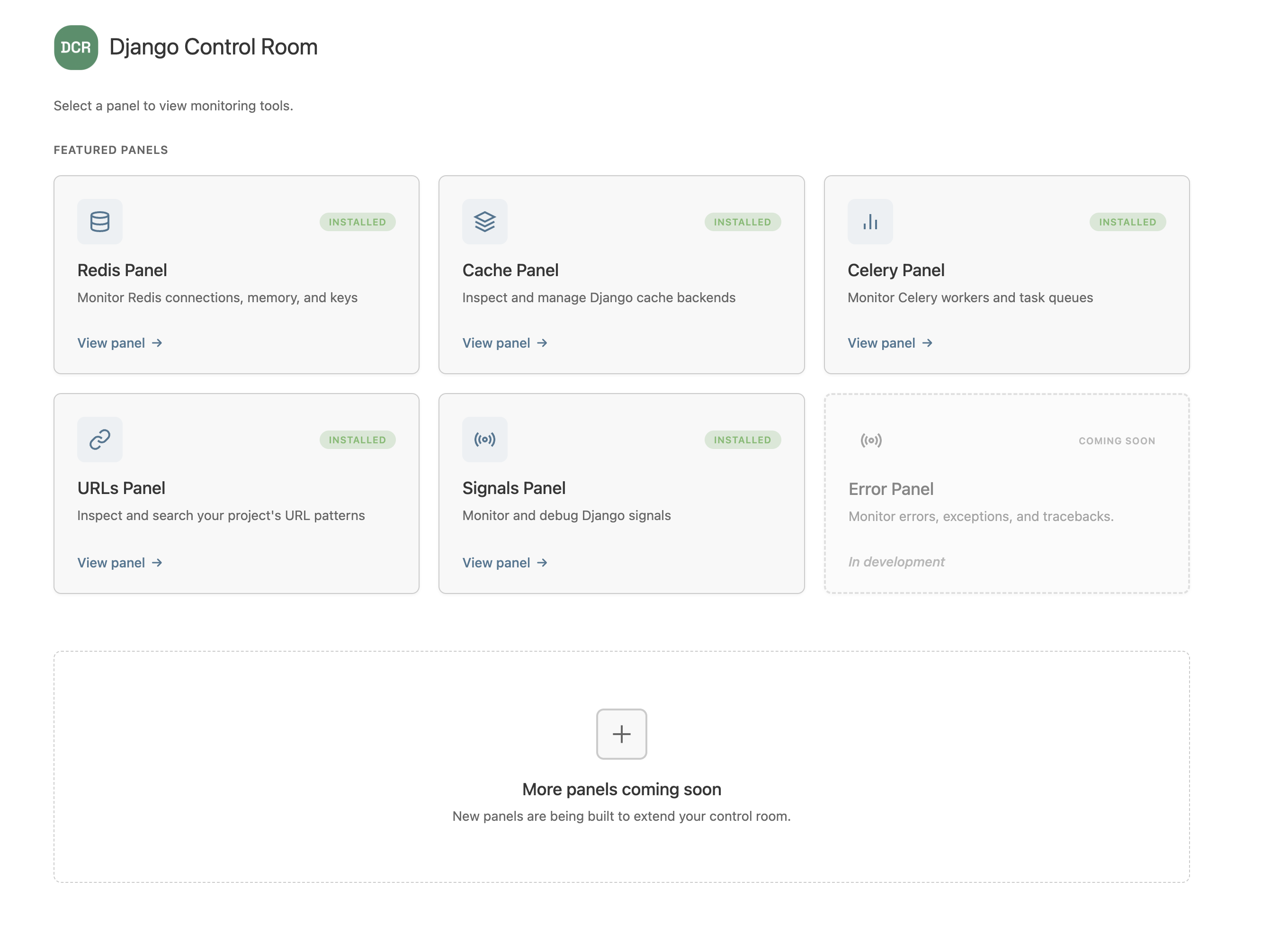
| Panel | Description | Install |
|---|---|---|
| Redis Panel | Monitor connections, inspect keys, view memory usage | pip install dj-redis-panel |
| Cache Panel | Inspect cache entries, view hit/miss ratios | pip install dj-cache-panel |
| URLs Panel | Browse URL patterns, test resolvers | pip install dj-urls-panel |
| Celery Panel | Monitor workers, track task queues | pip install dj-celery-panel |
| Panel | Description | Status |
|---|---|---|
| Signals Panel | Inspect Django signals, debug connections | In Development |
| Error Panel | Monitor errors, exceptions, and tracebacks | In Development |
The fastest way to create a new panel is using our official cookiecutter template:
pip install cookiecutter
cookiecutter https://github.com/yassi/cookiecutter-dj-control-room-plugin
This generates a complete panel structure with Django admin integration, tests, documentation, and Docker setup.
You can also create panels manually by implementing a simple interface:
# my_panel/panel.py
class MyPanel:
    name = "My Panel"
    description = "My awesome panel"
    icon = "chart"
# pyproject.toml
[project.entry-points."dj_control_room.panels"]
my_panel = "my_panel.panel:MyPanel"
See our Creating Panels Guide for full documentation or use the cookiecutter template to get started quickly.
Django Control Room includes built-in security features:
- Package Verification - Featured panels are verified by package origin
- Staff-Only Access - Requires Django staff/superuser permissions
- No Malicious Hijacking - Prevents panels from impersonating official packages
Visit the official site at djangocontrolroom.com for guides, tutorials, and examples.
Full documentation: https://yassi.github.io/dj-control-room/
- Python 3.9+
- Django 4.2+
We welcome contributions! Please see our Contributing Guide for details.
This project is licensed under the MIT License - see the LICENSE file for details.
Created by Yasser Toruno
Official Site • Star us on GitHub • Report Bug • Request Feature