A few weeks ago, my friend Marcos ran an event called FLIP TABLE, celebrating unconventional database technology, including Strava, steganography, encoded number puzzles, and hair.
I wanted to do something with iNaturalist. Could a database be made out of species? Or observations of species? What if my to-do list was biodiverse?
My FLIP TABLE demo app, “YouDidIt.Bio”* answers all of these questions.
Every observation on iNaturalist has a unique ID, which I have previously used to embed iNaturalist easily into this very blog you are reading now.
So, how does it work? An iNaturalist “classic project” can store an arbitrary number of observations, each with their own unique ID.
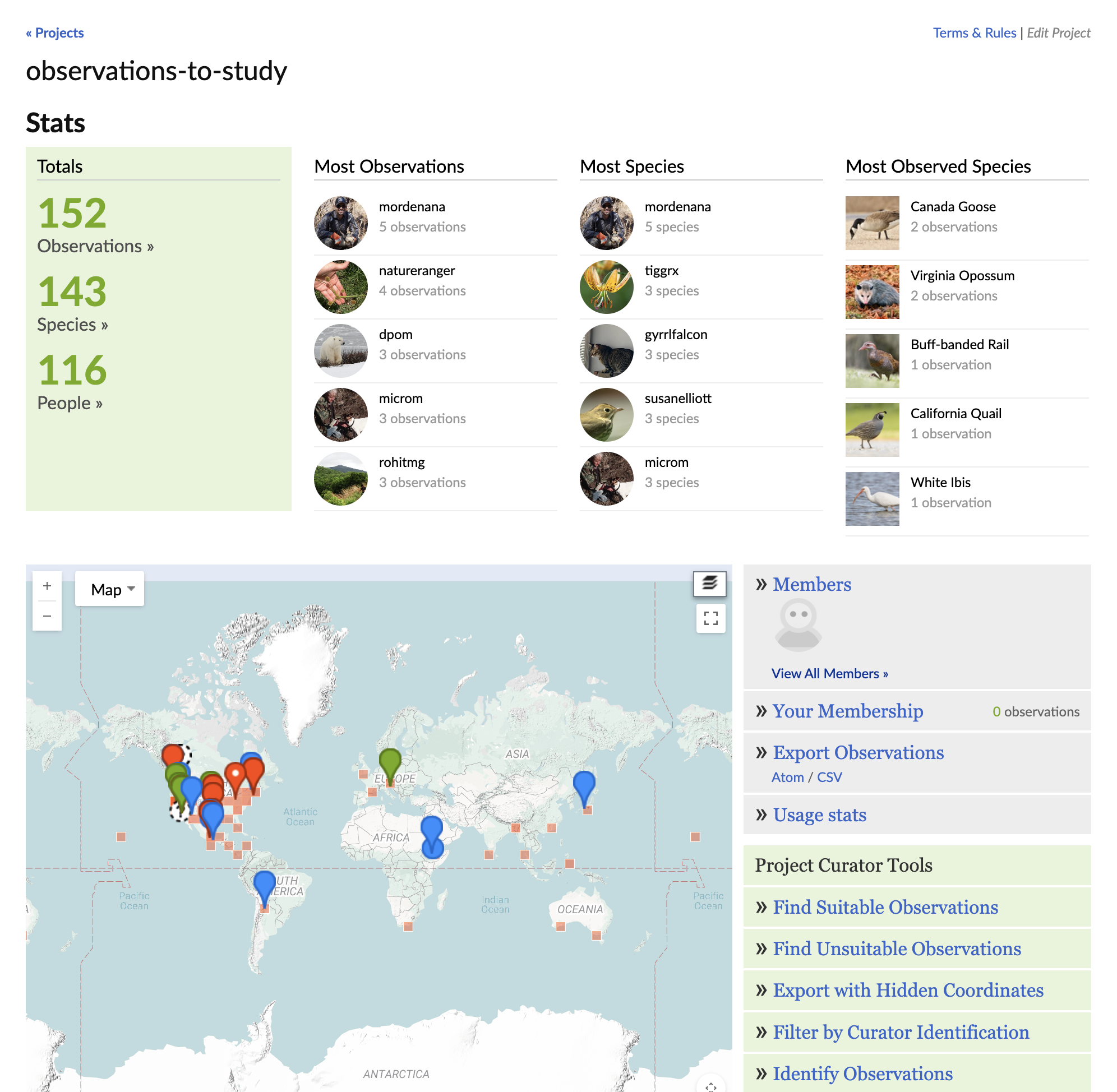
This means, by choosing certain observations to add to a project, we should be able to encode information. However, the API does not specify or allow any order to these observations. The problem therefore became implementing a method of storing arbitrary data in an unordered set of integers.
I chose a simple, though not optimal, method of dividing the integers into “sequence bits” and “value bits”. The higher sequence bits would allow the values to be ordered correctly when decoding data.
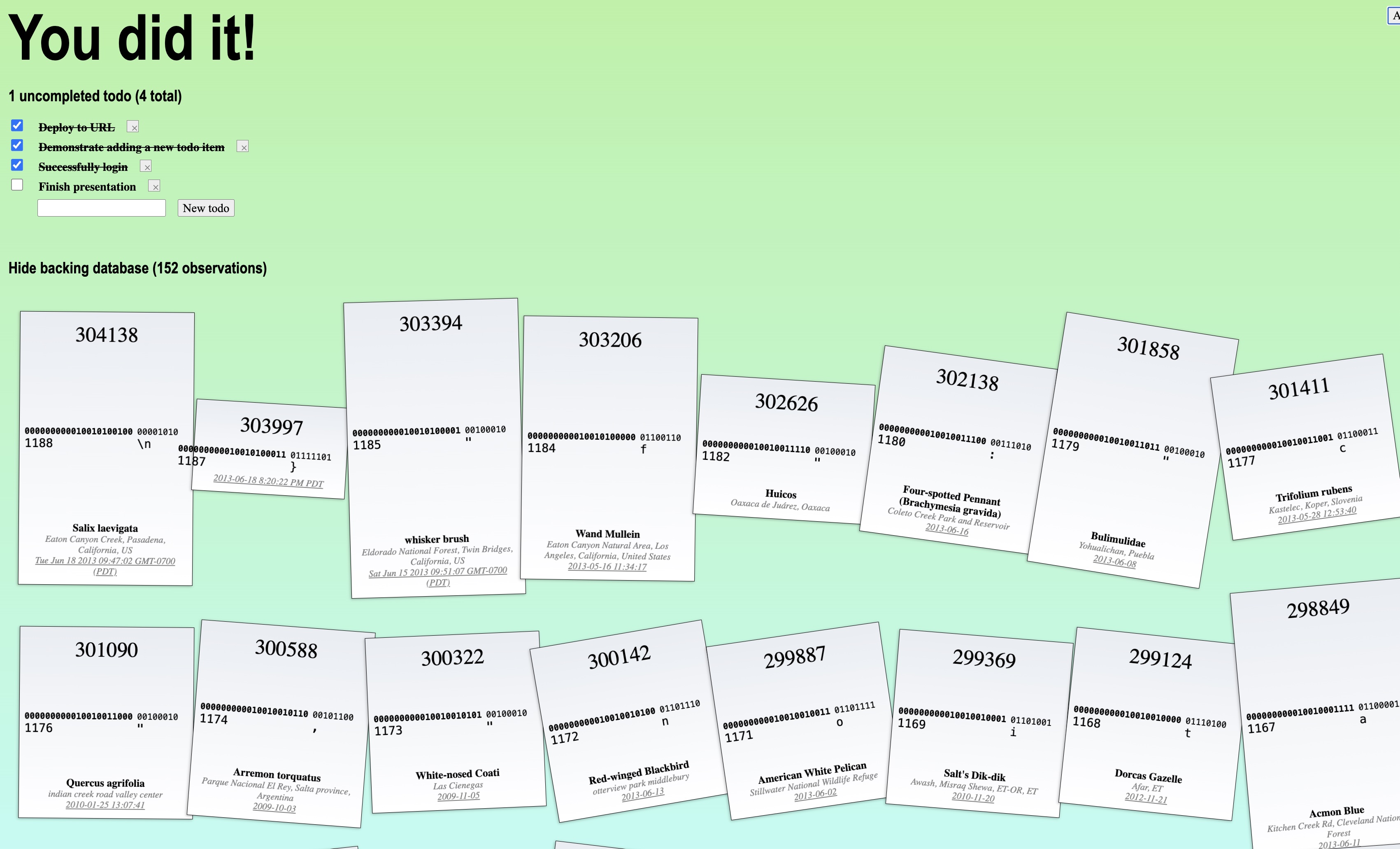
Not all integers are valid iNaturalist observation IDs – some have been deleted, or do not allow themselves to be added to projects. This problem can be solved by simply iterating the sequence counter until a value is available. For example, note that in the above image there is no sequence 1186 or 1183.
However, some issues might arise when editing. The only edit allowed is to mark a task as completed, which involves changing an ‘f’ to a ’t’. What if that observation ID isn’t available? It’s no longer possible to simply increase the sequence count because there are already higher sequence values.
YouDidIt.Bio’s solution is to interpret anything other than an ‘f’ as true, and just try other values until we find one that works. It’s not guaranteed (there are only 254 possible values) but in practice I haven’t run into an issue. You can see that below, as the ‘f’ is replaced not with a ’t’ but with ‘T’.
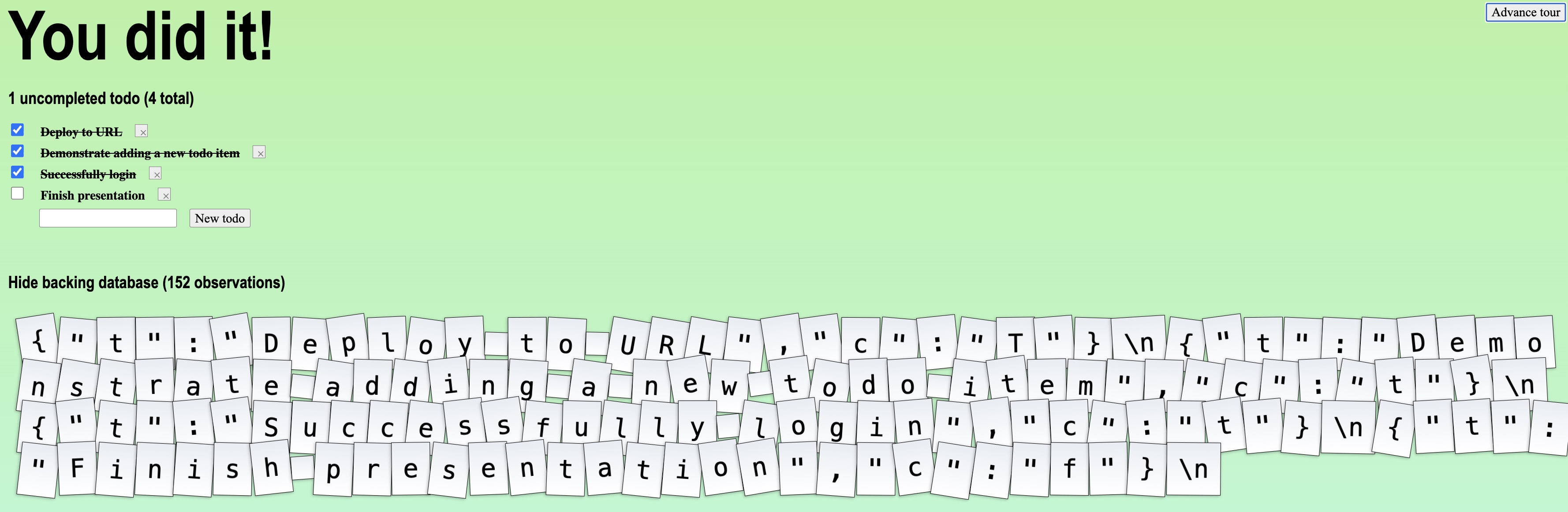
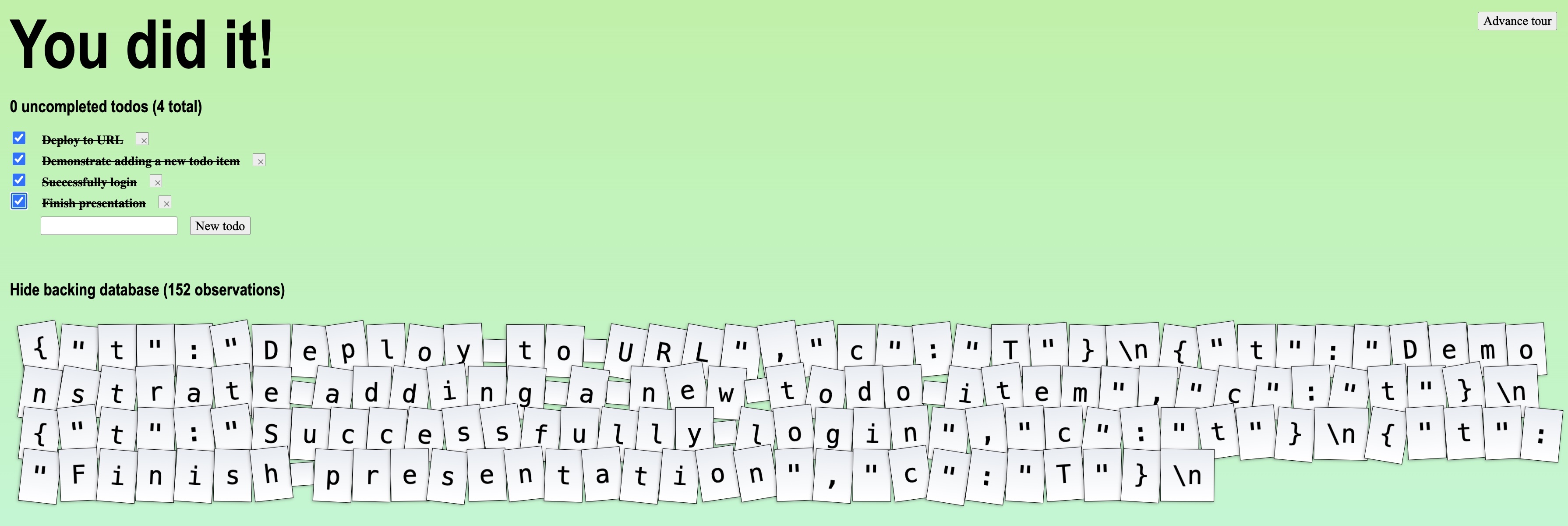
Did I mention anyone can use it? It’s as simple as providing an iNaturalist API key and an iNaturalist “classic” project ID.
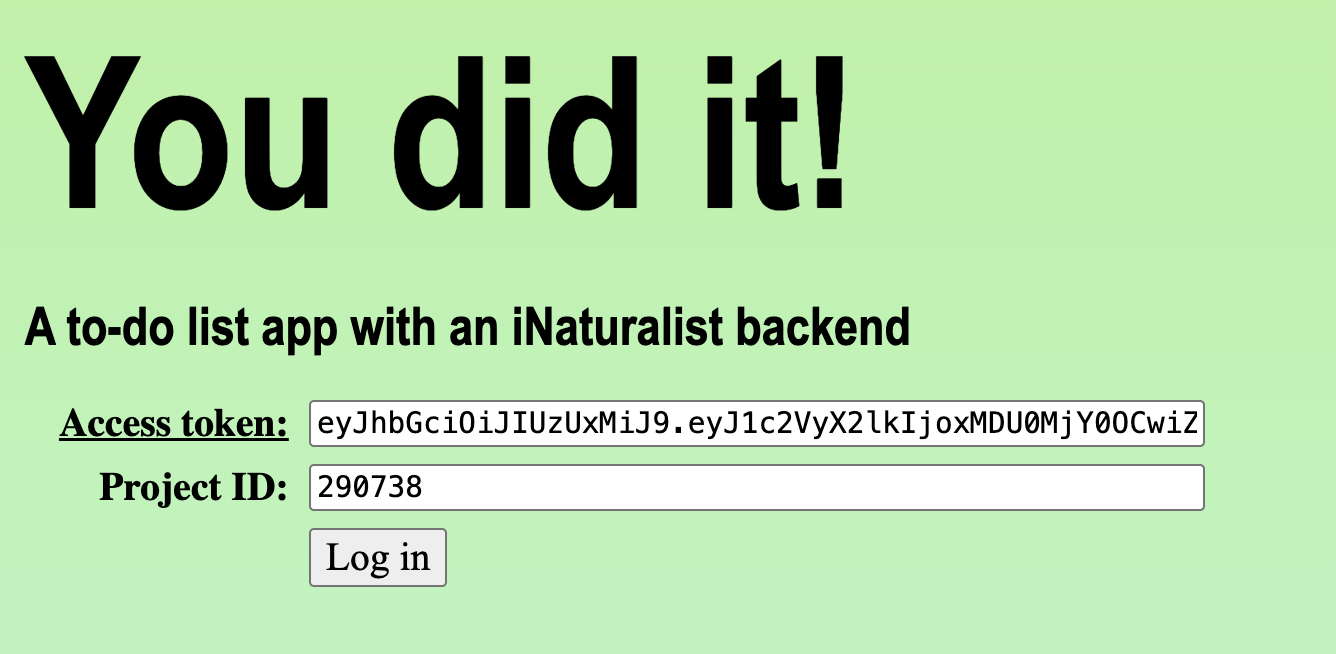
Go ahead, try it out!
* “You did it!” is the default title of a newly created Vue app.