Two years ago, I switched to Linux on my gaming PC. People kept telling me that it could perform way better than Windows when it comes to FPS, frame pacing and input latency, and when I tried it out, it did feel a lot better.
The internet is full of advice on optimizing Linux for gaming:
- Wayland has bad input lag, use X11
- Disable compositing (“use flip mode”)
- Use a latency-optimized DXVK fork
- Use a gaming-specific kernel scheduler
- etc.
I play competitive FPS games, so low latency, consistent frame times and high FPS matter to me. On Linux, there are countless settings to tweak for this (magic env vars, gamescope, gamemode, even more DXVK forks, and so on).
But it always bothered me that I did not have a reliable way to verify whether something actually lowered the system latency or if it was just snake oil, a placebo effect, or actually worse without me realizing it.
The device
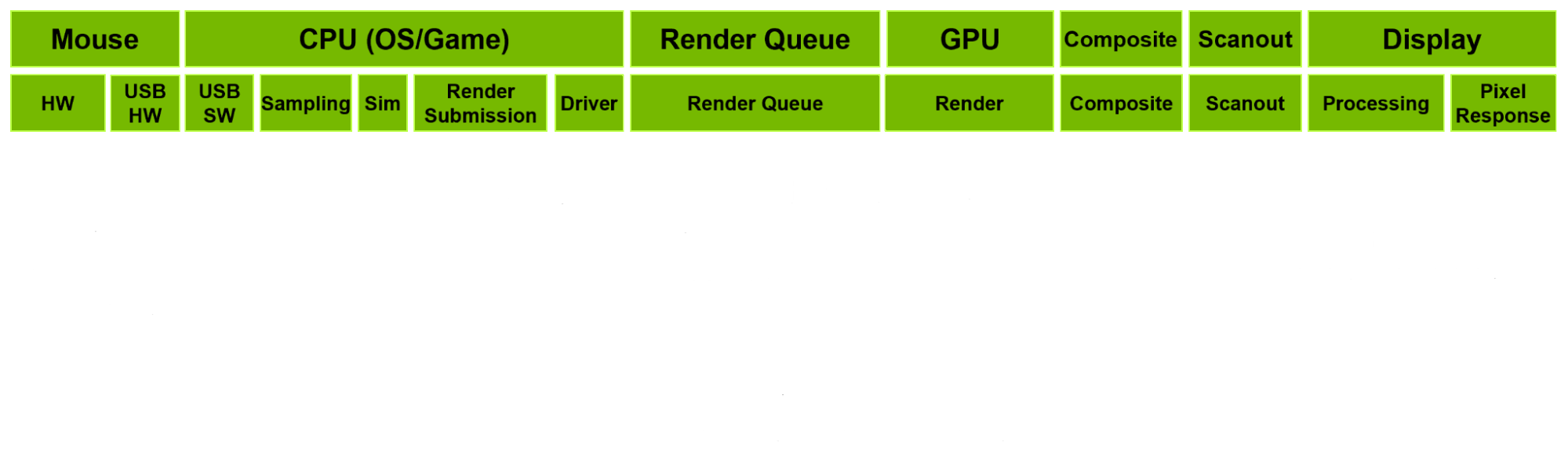
The idea is simple: Strap a device with some kind of light sensor onto a monitor and connect it via USB to the PC to simulate mouse clicks. On click, measure the time between the click and the moment the light sensor detects a change on the screen.
This way, you measure the end-to-end system latency.
While there are now a couple of open source devices like this available, like m2p-latency or the Open-Source-LDAT, when I started this side project, there was just the OSLTT, and knowing nothing about hardware, I was happy to study its schematics and loosely base my design on it.
But finishing my project just this month, I ended up integrating a lot of ideas from the other two projects as well.
To make a long story short, I learned a lot about microcontrollers, soldering, Arduino firmware development, integration time, transimpedance amplifiers, KiCad (just a little) and enclosure design.
Here’s what I landed on:
- An Adafruit QT Py RP2040 acts as a USB HID mouse with 1000 Hz polling rate and fires a click.
- The moment the click is sent, it starts collecting samples from the photodiode (every ~24 µs).
- 12,000 samples per click are streamed over serial to the host and logged to a CSV.
- Based on the samples, a tool on the host establishes a per-click baseline, then finds the first sample that deviates a certain amount from the baseline.
- Because the time it takes to collect 12k samples is fixed, it can now calculate the time between sending the click and detecting a brightness change on the screen.
Test scenarios
I wanted to test three different things.
Display server (X11 vs Native Wayland)
A lot of people still use X11 over Wayland because Wayland is said to have much worse input lag. Just searching for it, there are a lot of people complaining that Wayland “feels off”.
VRR (on vs off)
Variable Refresh Rate / G-Sync / FreeSync / Whatever you want to call it. Also highly debated.
DXVK low-latency fork (on vs off)
Referred to as dxvk-low-latency or low-latency from now on.
Bonus: dxvk-low-latency vs default dxvk uncapped
The biggest advantages a frame pacer like dxvk-low-latency brings are to absorb frame time fluctuations and to prevent render-queue buildup.
So to show the pacer at work I added two uncapped test cases.
Bonus: Native Wayland vs XWayland
I ran all Wayland test cases via native Wayland (PROTON_ENABLE_WAYLAND=1) as I was already aware that XWayland would introduce lag. But for the sake of comparison, I added two XWayland test cases (only with VRR off).
Test conditions
| Hardware |
|---|
| AMD Ryzen 7 5800X3D |
| NVIDIA GeForce RTX 4070 SUPER |
| 2x8 GB DDR4 at 3200 MHz |
| MSI MAG 272QP QD-OLED X50 at 2560×1440 / 500 Hz |
| MSI B450 GAMING PRO CARBON AC |
Only one display was connected during the tests.