• ~900 words • 4 minute read
Every once in a while, a revolutionary product comes along that changes everything. One is very fortunate if they get to work on even one of these in their career.
Today I'm proud to introduce three revolutionary products of this caliber. The first is a state-of-the-art image editor channeling the elegance of MS Paint. The second is an unparalleled user-interface experience continuing the long-standing, intuitive traditions of Vim. And the third is software leveraging the blazingly performant, brilliantly designed programming language that is JavaScript.
So that's three things: an image editor in the class of MS Paint. An unimaginably intuitive user-interface paradigm rivaling Vim. A software product finally realizing the raw horsepower and sensible typing decisions of JavaScript.
MS Paint. Vim. JavaScript.
Are you getting it?
These are not three separate products. This is one product, and we're calling it PaTUI.
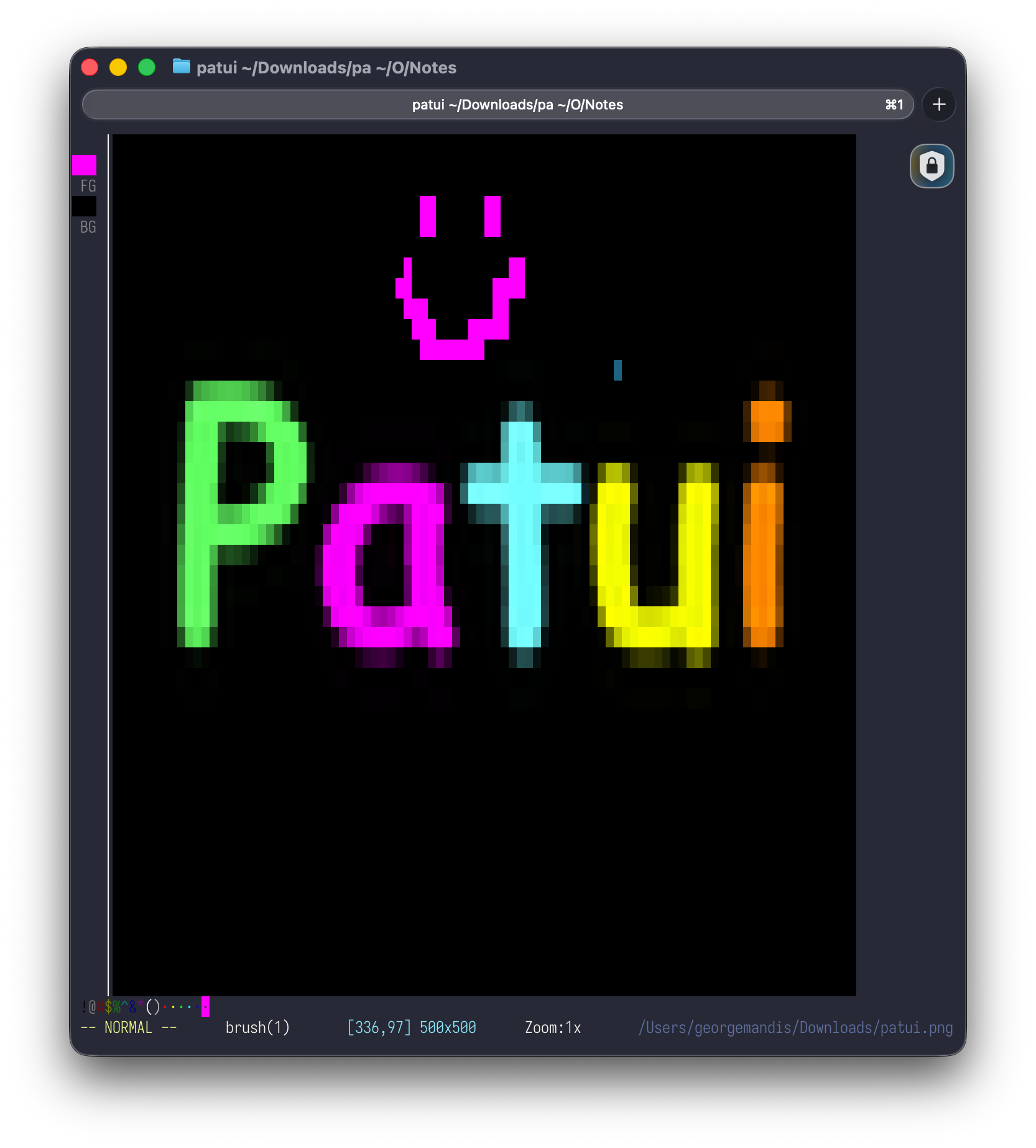
Welcome to PaTUI
Homage to one of the most iconic product launches of this century aside, what is PaTUI?
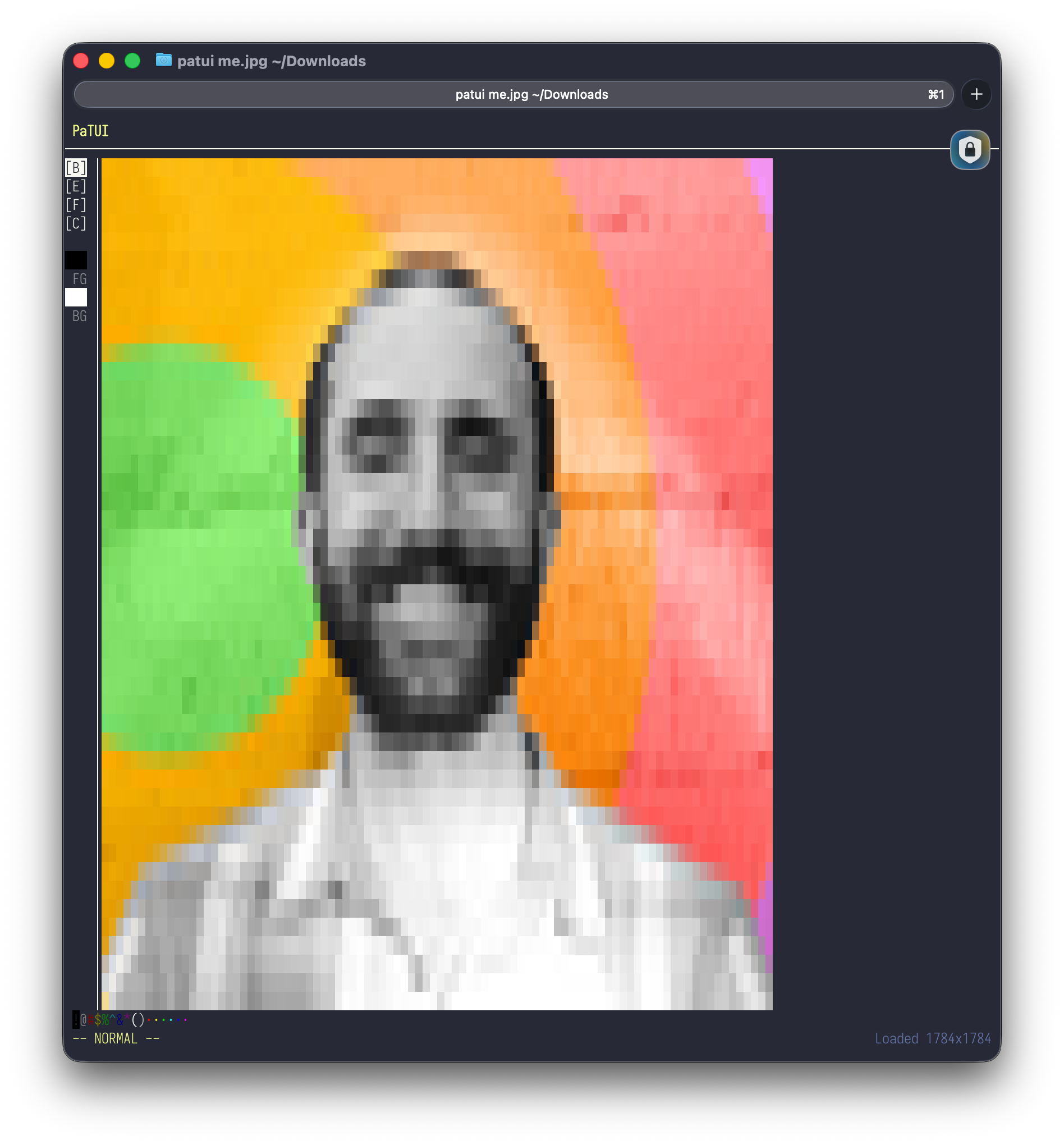
PaTUI is a terminal-based image editor. Load an image (PNG or JPEG, locally or via URL), and it renders as colored block characters in your terminal. Then paint on it in visual "paint" mode, erase, fill, type text or apply retro filters. When your masterpiece is complete you can export your work as a JPEG, PNG or ANSI art. In all exports, WYSIWYG.
No, we don't dare impose the dogma of higher-fidelities on your artistic vision. What are we, Photoshop? Please.
This isn't an Arby's Photoshop. This is PaTUI.
"Zoom, Enhance"
Each pixel in the image is represented by block characters wrapped with ANSI escape codes to render colors. We're using "True" color with RGB escape codes (e.g. echo -e "\e[48;2;255;0;255m \e[0m") so the vibrance of your original image always shines through.
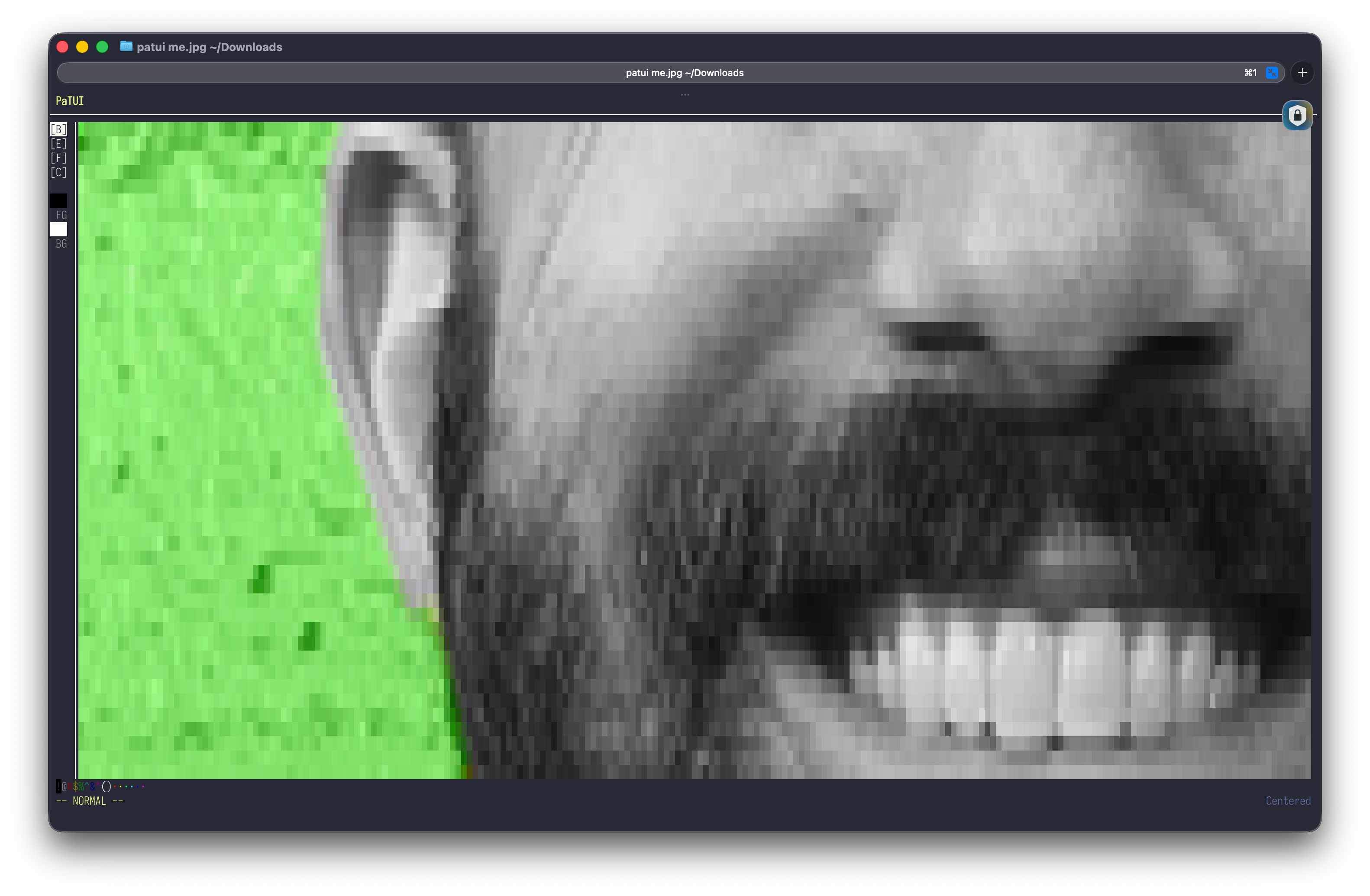
And, because the original image really is kept around in memory, you can use the "zoom and enhance" feature to zero in on as much or little detail as you need.
What pixels want: Vim-based controls
It has Vim-style modal controls (i for paint mode, hjkl to move, dd to delete a "row" of pixels, yy to yank, u to undo), a 16-color palette you can select with !@#$%^&*(), an extended CSS-compatible color palette you can access with :set color <cornflowerblue|salmon|rebeccapurple,etc>, and commands like :w mona-lisa.png and :wq.
Now you can draw shapes and touch up pixels with the most intuitive controls ever invented in computing: arbitrary keys with a generous amount of Shift thrown in.
You can always use :help for a more exhaustive list.
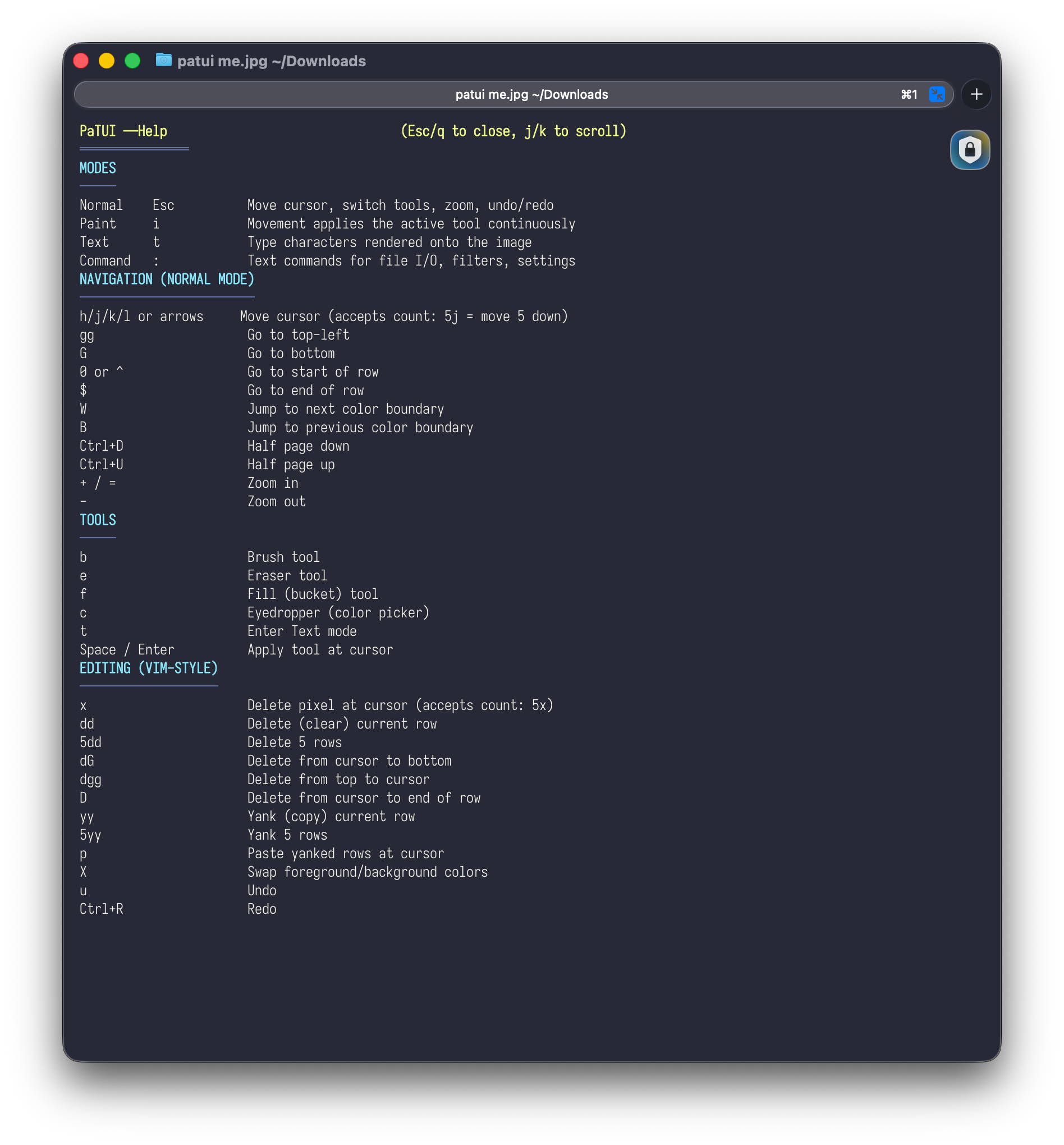
Vim motions on pixels. 5j moves down 5 rows. dd clears a row. yy yanks it, p pastes. W jumps to the next color boundary. dG deletes from cursor to bottom. If you know Vim, you already know how to navigate. If you don't know Vim, well, you're going to learn!
Retro palette filters. :palette gameboy limits your image to the original Game Boy's four shades of green. :palette cga gives you the CGA palette. :dither applies Floyd-Steinberg error diffusion dithering. Combine them: :palette gameboy then :dither and suddenly your photo looks like it belongs on a 1989 handheld.
Find-and-replace for colors. :%s/blue/red/g replaces all blue pixels with red. :%s/~blue/red/g does a fuzzy match -- anything in the blue family. The Vim regex muscle memory just... works here.
Text rasterization. Press t to enter text mode and type characters directly onto the image in the current foreground color. Font size scales with brush size. It's exactly as janky and charming as it sounds.
Export to ANSI art. :w painting.ans exports your work as ANSI escape codes. :wc copies the ANSI art to your clipboard. Paste it into a terminal and it renders in color. Paste it into Slack and confuse your coworkers.
Wh...Why? Why the terminal? Why any of this?
There's something satisfying about creative tools that work in environments designed for text. The terminal gives you a grid of cells, each of which can display a colored block character. That's your canvas. Each cell is a pixel. The constraints are the point.
It's also just funny. The idea of bringing Vim motions to pixel art, of typing :wq to save a painting, of having a tool sidebar in a terminal -- it's absurd in a way that makes me happy to work on it.
How it works
PaTUI is a Bun app built with Ink, which is React for terminal UIs. Image loading and manipulation use sharp. State management is zustand.
The rendering pipeline: load an image with sharp, downscale it to fit the terminal viewport (accounting for the 2:1 aspect ratio of terminal characters), map each pixel to a 256-color ANSI escape code, and render it as a grid of ▀ (upper half block) characters. Each character encodes two vertical pixels using foreground and background colors.
Edits modify the source image buffer. Undo/redo is a stack of image snapshots. Filters (grayscale, palette limiting, dithering) are applied at render time and included in exports.
How do you pronounce PaTUI?
It sounds like "patooey," because that's what your images will look like.
Try It
# Homebrew (macOS / Linux)
brew install georgemandis/tap/patui

# Or from source
bun install && bun src/index.tsx mona.png
Is it practical? Absolutely not. Is it fun? Easily the most fun 5 minutes you'll procrastinate with today.
Built during my time at the Recurse Center on a lark. View the source and open a PR if you think you can help improve it.
--Published on Wednesday, May 6th 2026. Read this post as Markdown or plain-text.
If you enjoyed reading this consider signing-up for my newsletter, sharing it on Hacker News or sponsoring my work on GitHub.