Today we released by far the largest update in the history of OpenClaw. It was built by 933 contributors, including 569 first-time contributors, and is composed of over 16,000 pull requests. You can read the full release notes HERE.
This update touches every part of OpenClaw, including installation, messaging, memory, skills, models, automations, the browser and native apps, plugins, security, and a very long tail of fixes. We started by simplifying installation and rebuilding the browser app as a first-class experience, but doing that properly meant carrying the cleanup through the rest of OpenClaw until it became OpenClaw 2.0.
Why this took nearly two months
Before this update, we had shipped 106 releases in 230 days, most within a day or two of the one before them, so going nearly seven weeks without shipping was not normal for us. The release cadence slowed, but development moved in the opposite direction because our team was growing, and the increased volume and pace of work outgrew both the foundation of OpenClaw and the process we used to ship it, so we reworked both at the same time.
That acceleration left us with a release containing roughly 50% of all pull requests ever merged into OpenClaw, so we took the extra time to make sure it worked for people starting from scratch and people upgrading an existing Claw rather than shipping quickly and handing them an update that broke what they already had.
Getting to a useful Claw faster
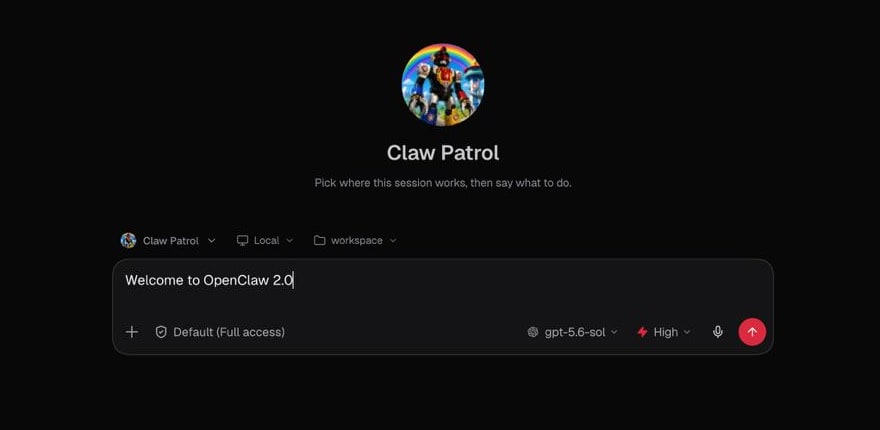
Installation was the first place we needed to make OpenClaw easier, so for first-time installs we are starting with what is already on someone’s computer, including existing ChatGPT or Claude subscriptions, API keys, and local models. We cut or simplified a lot of configuration and moved the rest out of initial setup, letting people get to a first conversation faster and finish setting up their Claw by talking to it.
The browser app is where most people meet OpenClaw and have their first conversation, so we rebuilt it as a first-class experience where they can keep setting things up, return to ongoing work, or follow along live when they want to.
How a useful Claw can grow
Your Claw does not need to be complicated, and a simple workflow might have it watch your inbox for your kids’ school emails and send you a Telegram message whenever something important comes through, like homework due or an upcoming activity you need to prepare for. It uses one inbox, looks for a few important things, and sends the result to one place, which is already enough to be useful.
From there, a task can reach across more places without becoming harder to use, so when your brother sends an iMessage asking which iPad you bought for your dad, you can skip searching your email for the receipt and simply tell your Claw that your brother just messaged, then ask it to find the answer and send it to him. The Claw just does it.
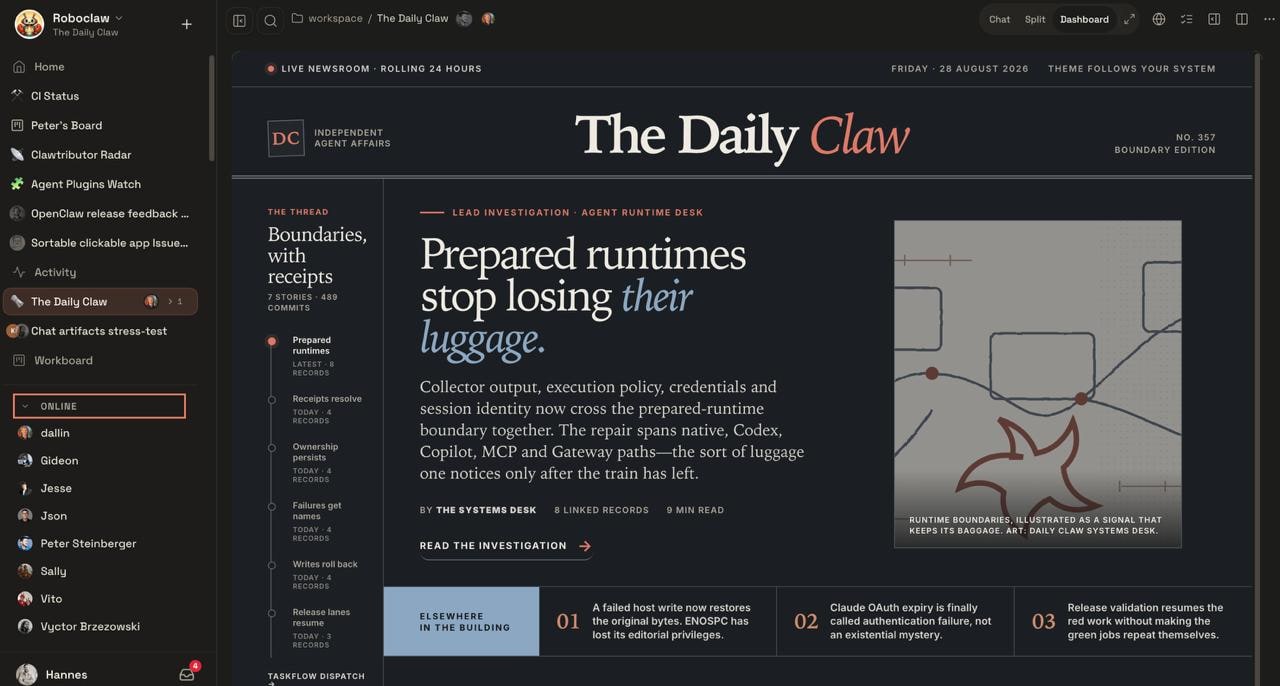
The same progression showed up inside our own team while building this release as we used our Claws for more of the work and wanted to share tasks, collaborate on them, and sometimes hand them off entirely. OpenClaw had no way to bring another team member into the work without losing what the Claw already knew. Shared cloud sessions changed that and turned OpenClaw into a multiplayer experience our team now uses to build OpenClaw, bringing the right person into live work or handing it over with the context intact.
What this adds up to
Your OpenClaw starts with one useful workflow and grows as far as you want it to, with the possibility of reaching across more of your life and work or becoming multiplayer with your family or team when you want and how you want. This has changed the relationship people have with software, turning it from something designed somewhere else that you have to accept into something you can tell what to do, shape around your life and work, and actually own.
We are not selling anything here or asking you to trust one company, one model, or one AI provider with that future, because OpenClaw is open source and belongs to the people who use it and help build it. Come use it, build it with us, and call us on our shit when we get something wrong.