OpenWiki is a CLI that writes and maintains documentation for your codebase, built specifically for agents.
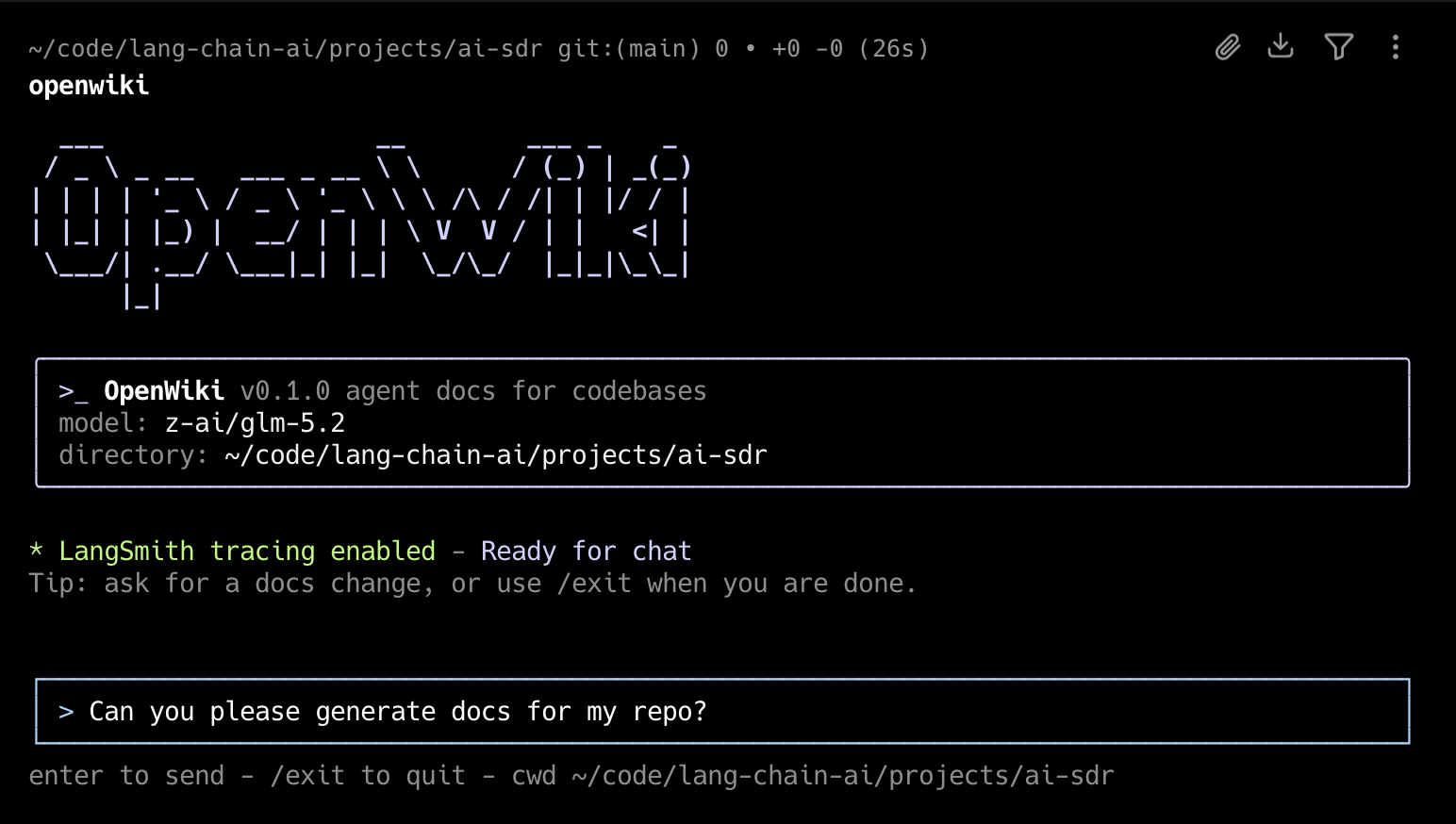
Initialize OpenWiki, configure your model and API key, then generate documentation
Then to ensure your documentation stays up-to-date, add the GitHub action to your repository to automatically open a PR once a day with documentation updates: openwiki-update.yml
Copy the contents of that file into .github/workflows/openwiki-update.yml in your repository.
Start the interactive CLI:
Start OpenWiki with an initial request:
openwiki "Please generate documentation for this repository"Run a single command and exit:
openwiki -p "Summarize what you can do"Initialize OpenWiki:
Update existing documentation:
Show help:
openwiki creates initial documentation in openwiki/ when no wiki exists. If openwiki/ already exists, it refreshes that documentation from repository changes. By default, the CLI stays open after each run so you can send follow-up messages. Use -p or --print for a one-shot non-interactive run that prints the final assistant output.
openwiki will automatically append prompting to your AGENTS.md and/or CLAUDE.md files to instruct your coding agent to reference it when searching for context. If the file does not already exist in your repository, OpenWiki will create it for you.
On the first interactive run, OpenWiki will have you configure your inference provider, API key, and LLM. You will also be able to set a LangSmith API key to trace your OpenWiki runs to a LangSmith tracing project named "openwiki" (optional).
These configuration options and secrets will be saved to ~/.openwiki/.env on your local machine.
OpenWiki supports OpenRouter, Fireworks, Baseten, OpenAI, an OpenAI-compatible provider, and Anthropic out of the box. By default, there are a few models pre-defined (GLM 5.2, Kimi K2.6, Sonnet 5, etc) but for each inference provider, OpenWiki will allow you to specify your own custom model ID.
To route the Anthropic provider at an alternative, Anthropic-compatible endpoint
(for example a self-hosted or proxied gateway) instead of the default API, set
ANTHROPIC_BASE_URL alongside ANTHROPIC_API_KEY:
OPENWIKI_PROVIDER=anthropic
ANTHROPIC_API_KEY=your-key
ANTHROPIC_BASE_URL=https://your-gateway.example.com/anthropic
The openai-compatible provider targets any OpenAI-compatible chat-completions
endpoint via a required base URL. This can be used for OpenAI-compatible LLM
endpoints like those exposed by a LiteLLM gateway when it is used as a gateway —
letting you reach whatever upstream providers the gateway fronts through a single
OpenAI-shaped API. Set the model ID to whatever name the gateway exposes:
OPENWIKI_PROVIDER=openai-compatible
OPENAI_COMPATIBLE_API_KEY=your-gateway-key
OPENAI_COMPATIBLE_BASE_URL=https://your-gateway.example.com/v1
OPENWIKI_MODEL_ID=your-gateway-model-name
Base URLs (and all credentials) can be set in your environment or stored in ~/.openwiki/.env.
If there's an inference provider or model you'd like to see added, please open a PR!