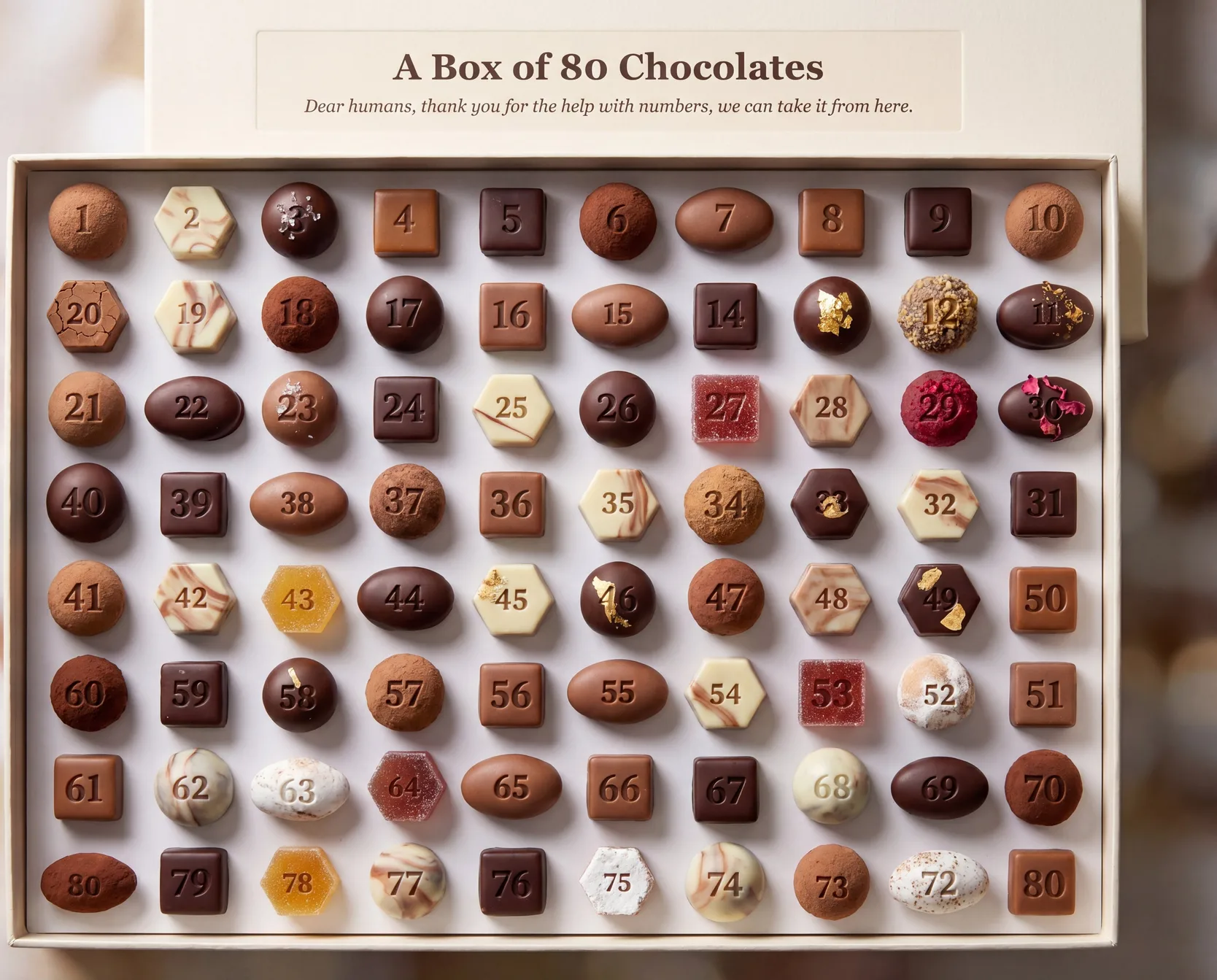
I discovered a technique for generating reliable text and numbers in AI generated images.
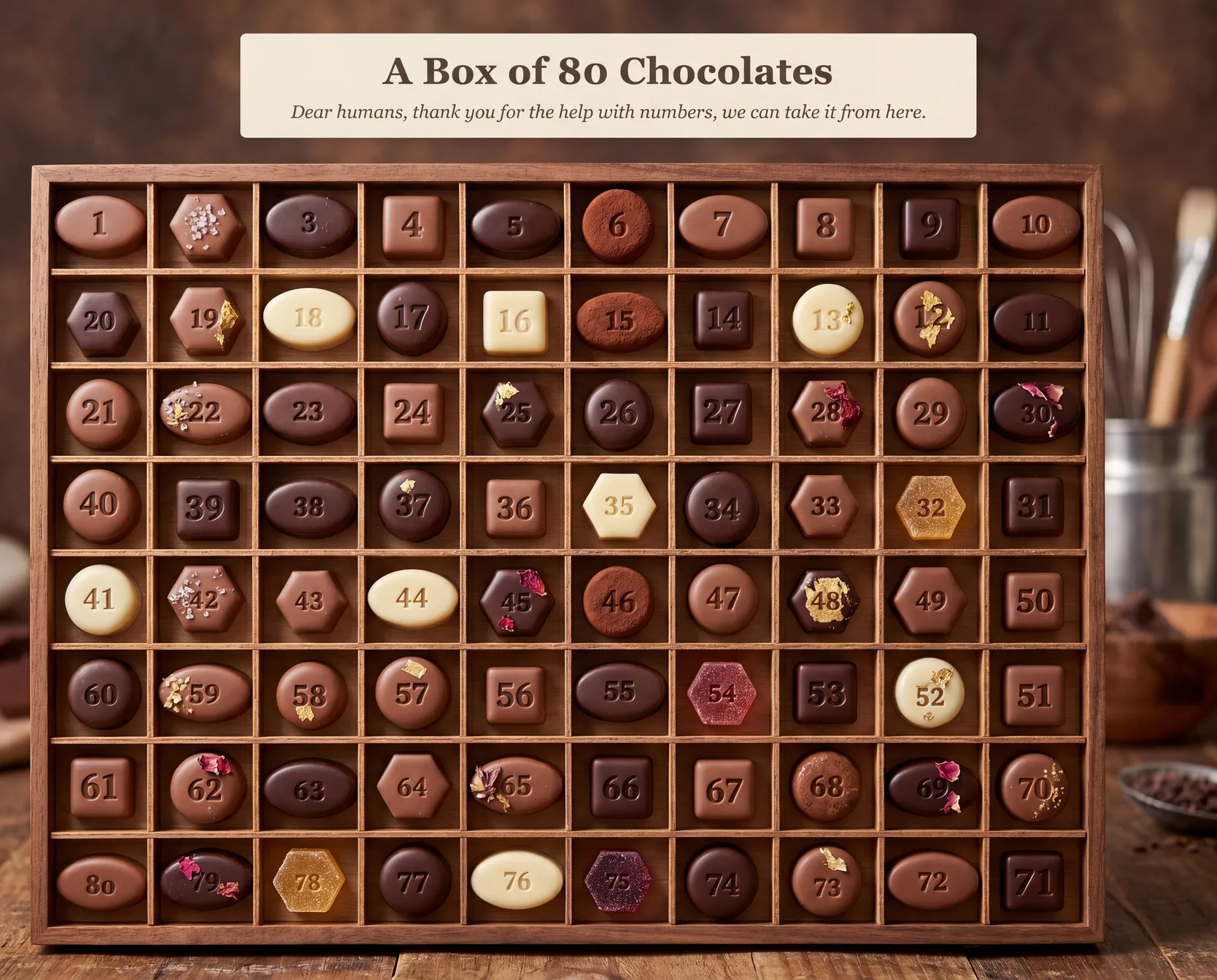
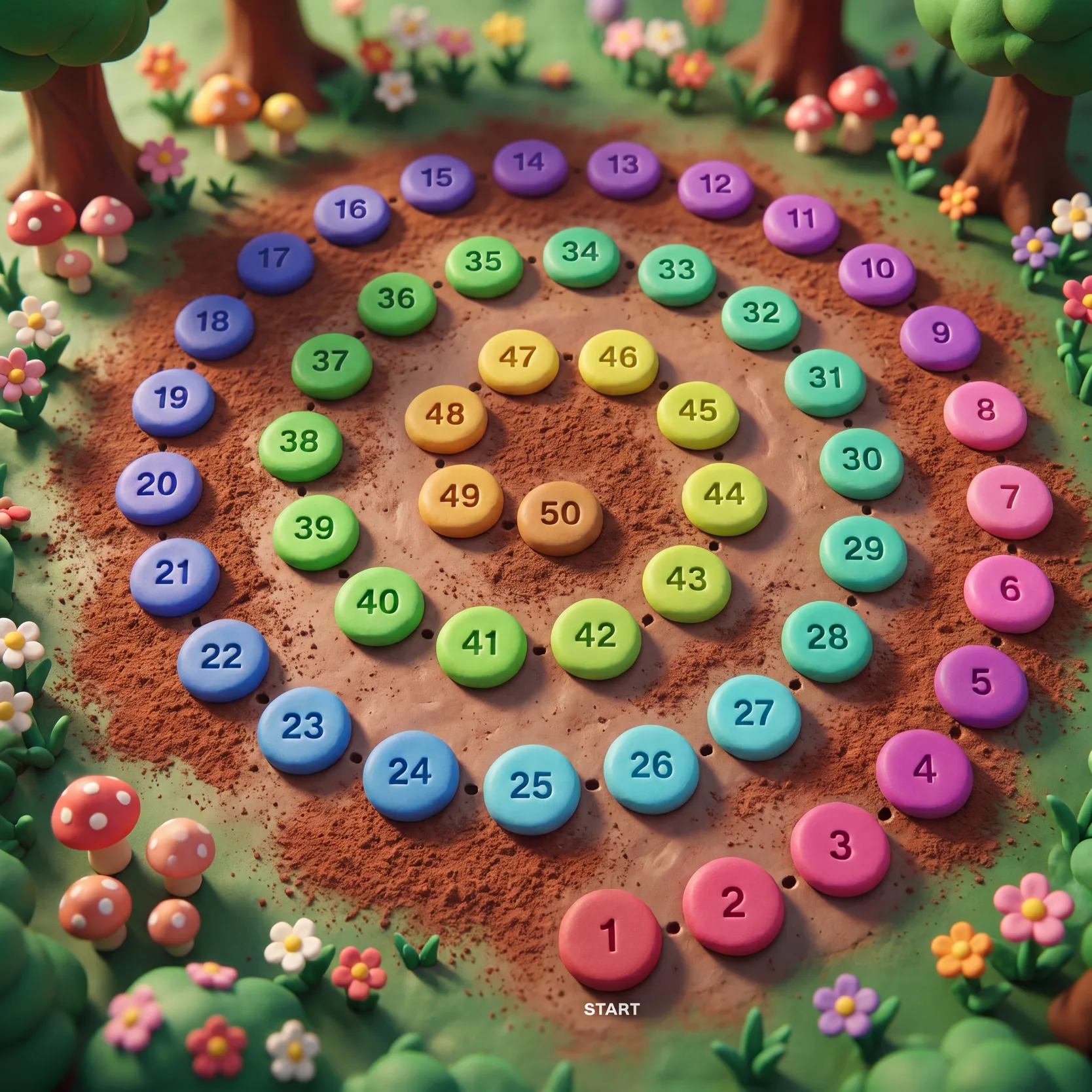
For example, the following image is considered impossible with state of the art image models. But I made this with Gemini 3.0 Pro (plus one extra step I’m going to explain below).
The Underdrawing Method
I’m totally naming it like it’s a thing but it does seem to be a thing. Here’s a simple a/b test showing the results without and with this method.
Make an image of a game board with 50 stepping stones arranged in a spiral, winding counter-clockwise inward from start at the outside (1) to finish at the centre (50). Each stone is clearly numbered consecutively from 1 to 50. Style: claymation diorama, studio-lit, candy-bright, soft bokeh background.❌ Gemini 3 Pro (without underdrawing)
As expected. Impressive at first glance but falls apart once you start reading.
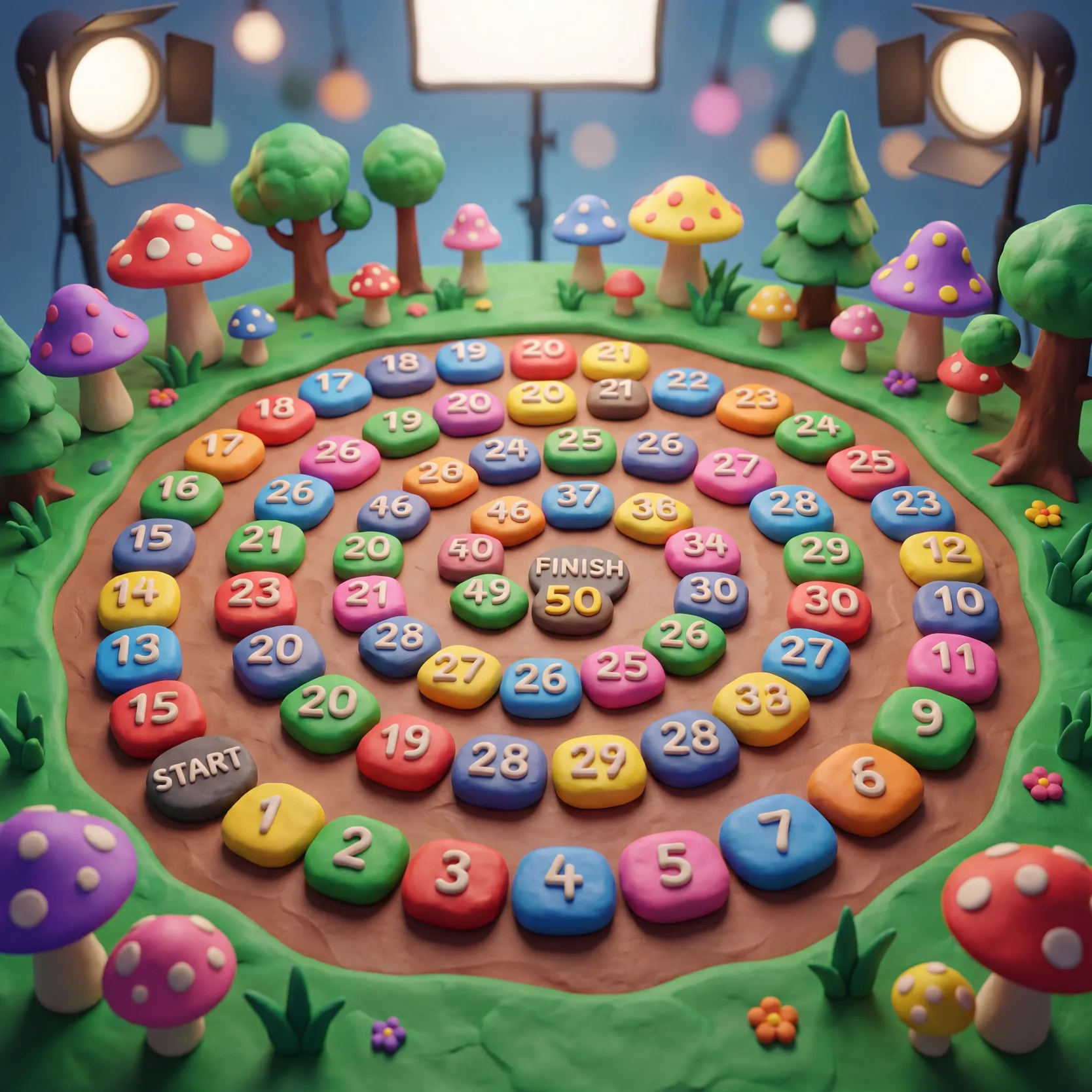
❌ ChatGPT Images 2 (without underdrawing)
I was so impressed with ChatGPT-Images-2 release I expected it to get this. Very surprising to see it fail similar to Gemini.
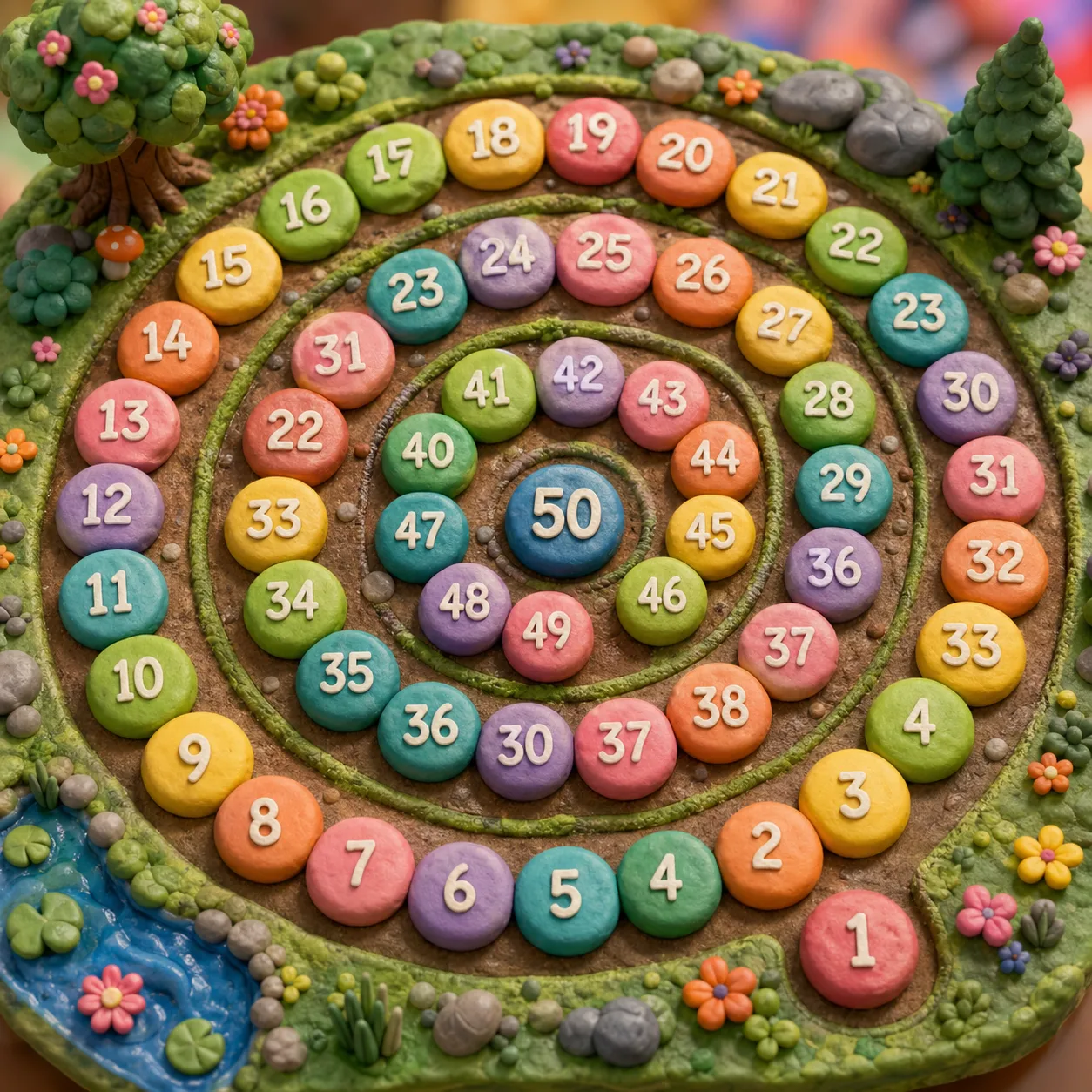
✅ Gemini 3.0 Pro (with the underdrawing method)
Bingo. Correct numbers, correct number and sequencing of buttons, correct spiral shape
So how does it work?
I came up with this pattern while trying to figure out how to generate an image of a 100-step adventure board for my kid.
Use deterministic and generative machines for what they’re good at
- SVG/HTML makes dry visuals but with excellent math and precision
- Image Gen models make stunning visuals but with unreliable math and text
“Give it an outline. Ask it to paint on top”
-
Layer 1: The “underdrawing” (deterministic): Layout the numbers and text in the correct positions and orientations in whatever language/format you prefer (svg, python, mermaid) — you just need to export an image of it with the pixels of the numbers/text.
-
Layer 2: The “painting” (generative): Using a multi-modal image model like Gemini 3.0 Pro (you need image+text input → image output), pass your underdrawing image along with your text prompt.
Example
Step 1 of 2: generate the numbers/text outline with SVG
Make an SVG of 50 stepping stones arranged in a spiral, winding counter-clockwise inward from start at the outside (1) to finish at the centre (50), each stone numbered consecutively from 1 to 50. Each stone is a different shape: circle, square, triangle, hexagon.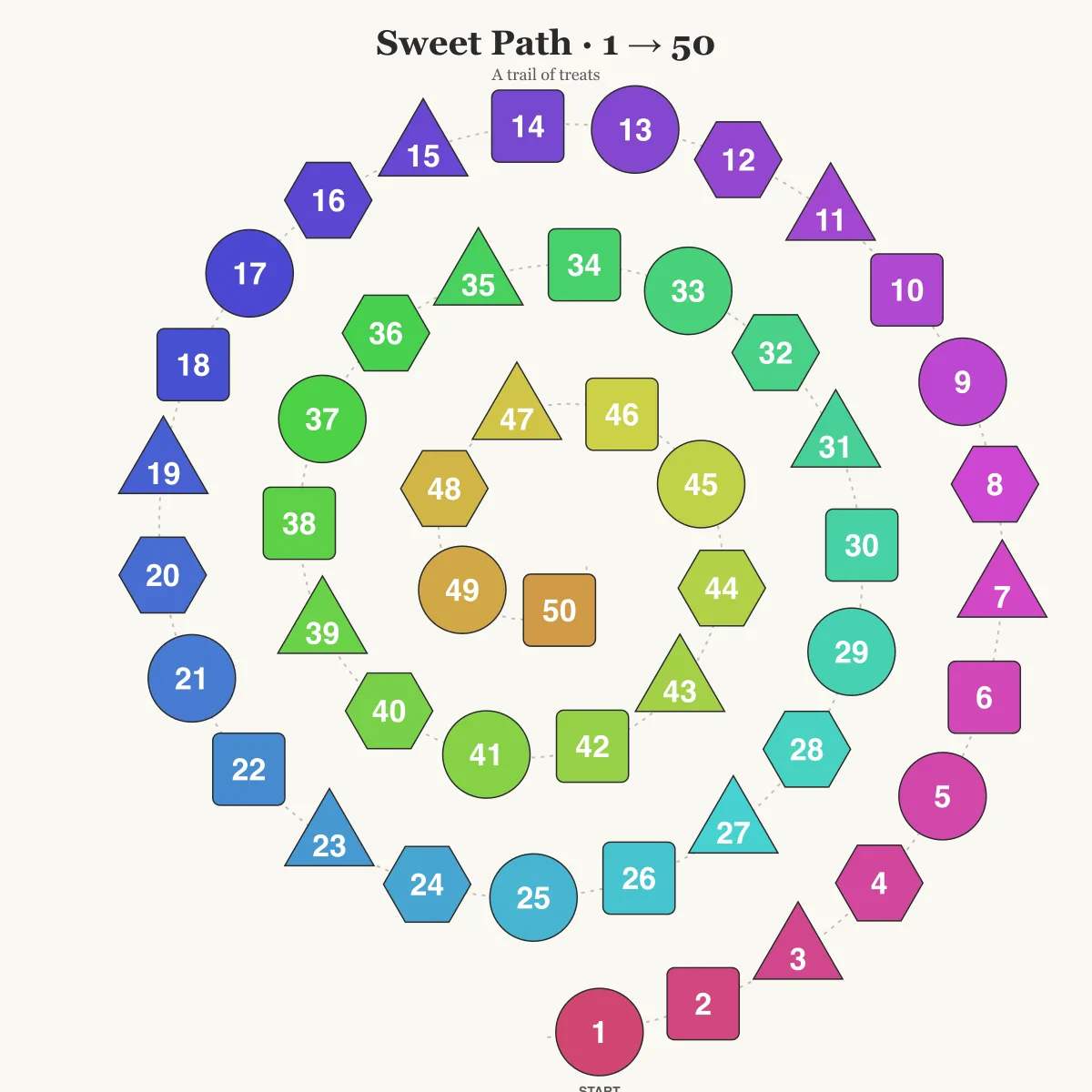
Step 2 of 2: Use the underdrawing to do image-to-image generation
Transform this image into a photographed claymation diorama of assorted artisan chocolates and candies, arranged in a spiral path winding counter-clockwise inward from start (1) at the outside to finish (50) at the centre, viewed from a low-angle tilted perspective. 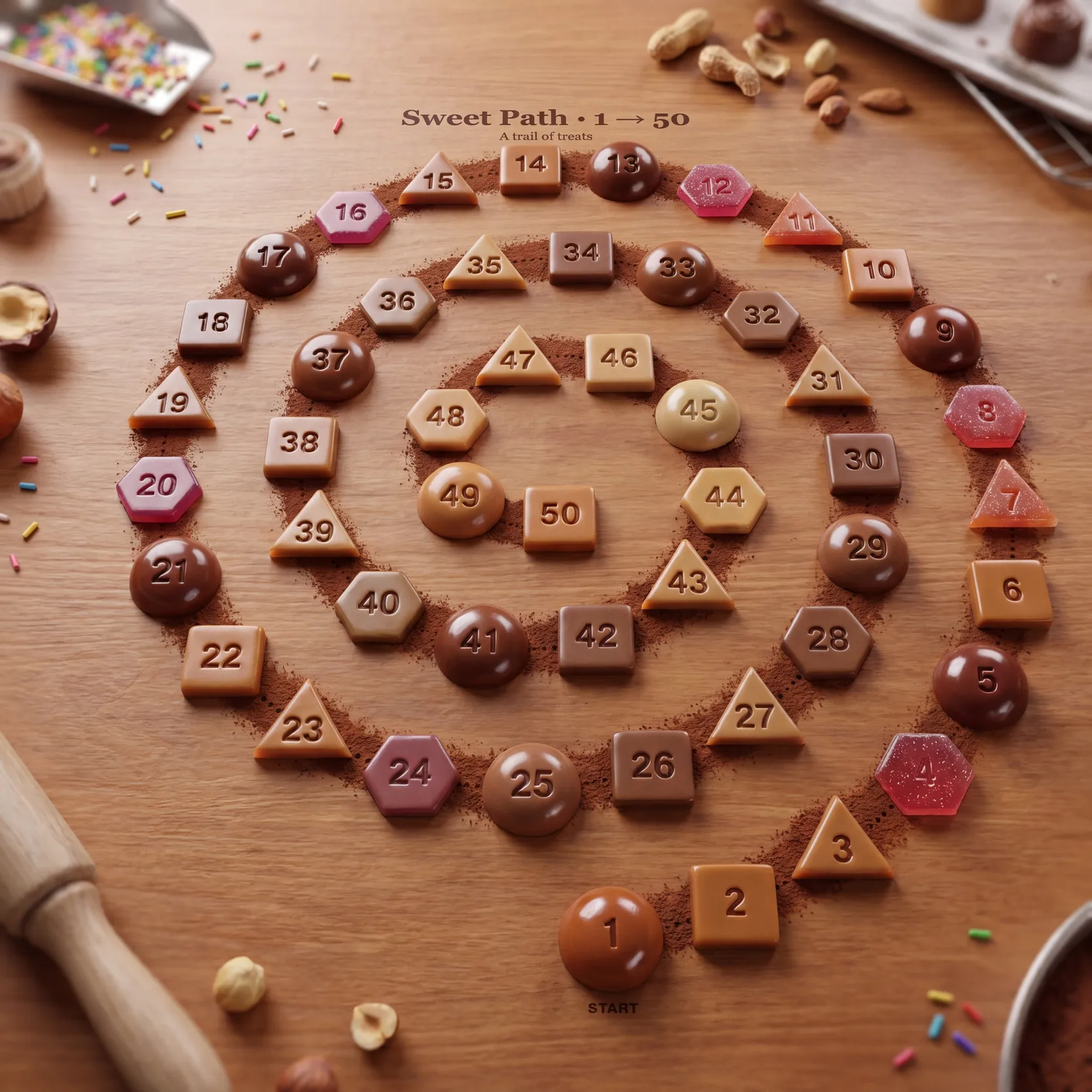
That’s it
It isn’t hard. By now claude code or codex can do every step of that for you.
Note: it’s good, but it won’t be perfect every time. Thank you for the reality check, 71.