8 min read
Building Modern UIs Without the Framework Tax
17.02.2026, By Stephan Schwab

Modern browsers now support everything needed to build sophisticated, reactive web interfaces without React, Vue, or Angular. Web components, custom elements, shadow DOM, and native event systems let developers create modular, reusable UI pieces that communicate elegantly — and AI assistants can help you master these patterns faster than ever before.
The Shift That Already Happened
Something remarkable occurred while many developers weren’t watching. The web platform itself became capable of doing what frameworks were invented to do.
"The browser has become the framework. We just haven't fully noticed yet."
Custom Elements let you define your own HTML tags with their own behavior. Shadow DOM provides encapsulation that keeps component styles and structure isolated. Templates and slots offer composition patterns. And perhaps most importantly, the native event system provides a robust mechanism for components to communicate without tight coupling.
These aren’t experimental features. They’ve been shipping in every major browser for years. The question is no longer whether they work, but why more developers haven’t embraced them.
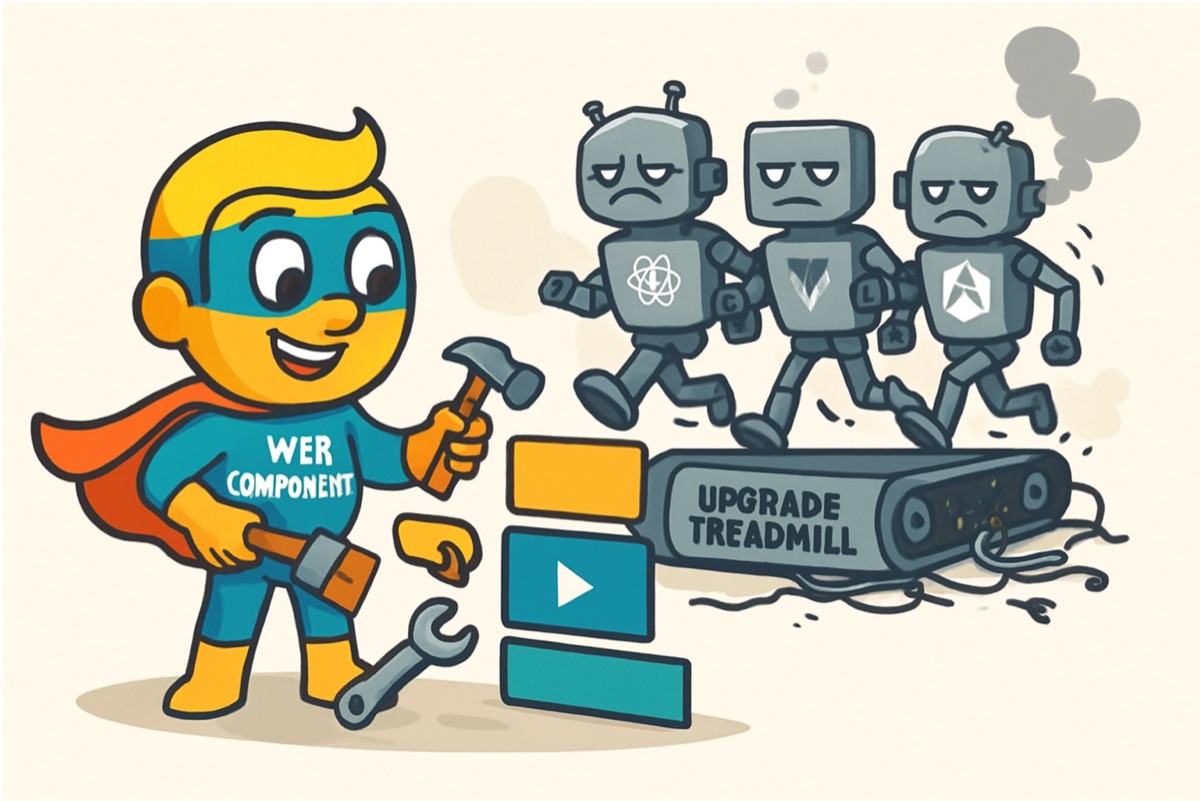
Freedom from the Upgrade Treadmill
Every framework carries hidden costs. There’s the initial learning curve, certainly. But there’s also the ongoing maintenance burden: major version upgrades that break things, deprecated patterns you must migrate away from, build tooling that needs constant updating.
"When your component is just HTML, CSS, and JavaScript, there's nothing to upgrade except your own code."
Web components built on platform standards sidestep this entirely. The browser vendors have committed to backward compatibility in ways that framework maintainers simply cannot. Code written to web standards a decade ago still works today. That’s not true of code written for Angular 1, or React class components, or Vue 2’s options API.
For organizations building products that need to run for years, this stability matters enormously. It’s one less thing that can break, one less dependency that can become a security vulnerability, one less abstraction layer between your code and the runtime.
Components That Talk to Each Other
The elegance of web components becomes most apparent when you consider how they communicate. The native Custom Events system provides everything you need for sophisticated component interaction.
A component deep in your UI hierarchy can dispatch an event that bubbles up through the DOM tree:
this.dispatchEvent(new CustomEvent('item-selected', {
  detail: { itemId: this.selectedId, metadata: this.itemData },
  bubbles: true,
  composed: true
}));
Any ancestor component — or the application shell itself — can listen for and respond to that event. There’s no need for a global state store, no prop drilling, no context providers. The DOM itself becomes your communication infrastructure.
"The DOM has always been an event bus. We just forgot how to use it."
Components can also communicate downward through attributes and properties. When a parent changes an attribute, the child’s attributeChangedCallback fires, giving it a chance to respond. For more complex data, properties allow passing objects and arrays directly.
This creates a natural, predictable flow: data down through properties and attributes, events up through the bubbling system. It’s the same pattern React popularized, but using web standards instead of library abstractions.
Learning Through Building
Here’s something that surprises many developers: you don’t need to master every detail of the Web Components specification before you can build useful things. The basics are remarkably accessible.
A minimal custom element looks like this:
class TaskCard extends HTMLElement {
  connectedCallback() {
    this.innerHTML = `
      <div class="task">
        <h3>${this.getAttribute('title')}</h3>
        <p>${this.getAttribute('description')}</p>
      </div>
    `;
  }
}
customElements.define('task-card', TaskCard);
That’s a working component. It’s not production-ready — it lacks reactivity, encapsulation, and proper lifecycle handling — but it demonstrates how accessible the entry point is. You can iterate from this simple beginning toward more sophisticated implementations as your understanding grows.
AI as Your Pair Programming Partner
"The best way to learn web components is to build them — and AI makes experimentation nearly frictionless."
This is where modern AI assistants transform the learning experience. You can describe what you want a component to do, receive a working implementation, and then ask questions about the parts you don’t understand. The AI can explain why composed: true matters for events that need to cross shadow DOM boundaries. It can show you the difference between connectedCallback and constructor. It can help you refactor toward better patterns as your requirements evolve.
You don’t need to read the entire MDN documentation on Web Components before building your first real component. Instead, you can learn by doing, with an AI partner that understands the specification deeply and can answer questions in context.
This approach — building first, understanding deeply second — works remarkably well with web standards. The patterns are simpler than framework patterns because there’s less abstraction. When something doesn’t work, the debugging surface is smaller. When you want to understand why something works, there are fewer layers to peel back.
A Practical Architecture
Consider a realistic scenario: a dashboard with multiple independent panels that need to respond to a shared filter.
Without frameworks, you might structure this with a simple event-driven architecture:
// FilterPanel dispatches when criteria change
this.dispatchEvent(new CustomEvent('filters-changed', {
  detail: { dateRange: this.selectedRange, categories: this.selectedCategories },
  bubbles: true
}));

// Dashboard shell listens and broadcasts to children
document.addEventListener('filters-changed', (e) => {
  document.querySelectorAll('[data-filterable]').forEach(panel => {
    panel.applyFilters(e.detail);
  });
});
Each panel component implements its own applyFilters method. The panels don’t know about each other. The filter component doesn’t know about the panels. The dashboard shell provides minimal coordination. Components can be developed, tested, and reused independently.
"Loose coupling isn't just elegant architecture — it's faster development and easier maintenance."
This same pattern scales. As you add more panels, they simply implement the expected interface. As you add more event types, the coordination logic grows proportionally, not exponentially.
Shadow DOM: Encapsulation That Actually Works
One of the most practical benefits of web components is shadow DOM encapsulation. Your component’s styles don’t leak out, and global styles don’t leak in (unless you explicitly allow them).
class StyledCard extends HTMLElement {
  constructor() {
    super();
    this.attachShadow({ mode: 'open' });
  }

  connectedCallback() {
    this.shadowRoot.innerHTML = `
      <style>
        .card { padding: 1rem; border-radius: 8px; background: #f5f5f5; }
        h3 { margin: 0 0 0.5rem 0; color: #333; }
      </style>
      <div class="card">
        <h3><slot name="title"></slot></h3>
        <slot></slot>
      </div>
    `;
  }
}
Those styles affect only this component. You can use simple, semantic class names without worrying about collisions. You can refactor styles without fear of breaking something elsewhere.
This is encapsulation that actually encapsulates. It’s what CSS Modules, CSS-in-JS, BEM, and countless other approaches have tried to achieve — built directly into the platform.
When Frameworks Still Make Sense
Web components aren’t always the right choice. If your team already knows React deeply and moves quickly with it, there’s real value in that shared expertise. If you’re building something that will be maintained by developers who expect framework patterns, web components might create friction.
"The best technology choice is the one that fits your team, your timeline, and your constraints."
For new projects, though — especially smaller teams or solo developers building products that need to run for years — web components deserve serious consideration. The reduced complexity, improved stability, and smaller bundle sizes create real advantages.
And there’s an interesting hybrid path: many frameworks now work well with web components. You can introduce custom elements gradually into an existing React or Vue application. You can wrap web components in framework-specific bindings. Migration can be incremental rather than revolutionary.
Getting Started Today
The path to building with web components is surprisingly short:
-
Build a simple component. Something with a template, maybe an attribute or two. See how it mounts to the DOM.
-
Add interactivity. Handle events within the component. Update the DOM in response. Experience the directness of working without virtual DOM abstraction.
-
Implement communication. Have one component dispatch a custom event. Have another listen for it. Feel how naturally the event system handles component coordination.
-
Encapsulate with shadow DOM. Add scoped styles. Use slots for composition. Appreciate how encapsulation simplifies your mental model.
-
Iterate and expand. Build more components. Let AI help when you encounter unfamiliar territory. Learn the lifecycle callbacks as you need them.
Each step teaches something useful. Each component you build adds to your understanding. And unlike framework knowledge that might become obsolete, your understanding of the web platform will compound for years.
The Renaissance Is Here
We’re in an interesting moment. The platform has caught up to — and in some ways surpassed — the capabilities that made frameworks essential a decade ago. The tooling exists. The browser support is universal. The patterns are well-documented.
"The future of web development might look more like its past: standards-based, interoperable, and built to last."
What’s been missing is momentum. Developers gravitate toward what’s popular, and frameworks have dominated mindshare for so long that many never seriously evaluated the alternative.
But trends shift. The JavaScript ecosystem’s complexity has become a recognized problem. The appeal of simpler, more stable foundations grows as developers tire of churn. AI assistants make learning new approaches faster and less intimidating.
Web components offer something valuable: a way to build modern, sophisticated interfaces with technology that will still work decades from now. For developers willing to explore beyond the framework mainstream, there’s a quieter, more elegant path waiting.
The tools are ready. The browsers are ready. Perhaps it’s time to rediscover what the web platform can do.
Newsletter
Get new articles, story episodes, and hero profiles delivered to your inbox.
Your email is processed by newsletter.caimito.net. Unsubscribe anytime.